How to Setting Receipt Header & Footer
Go to Management > Invoice Setting > Receipt:
- You can put in the Restaurant Logo
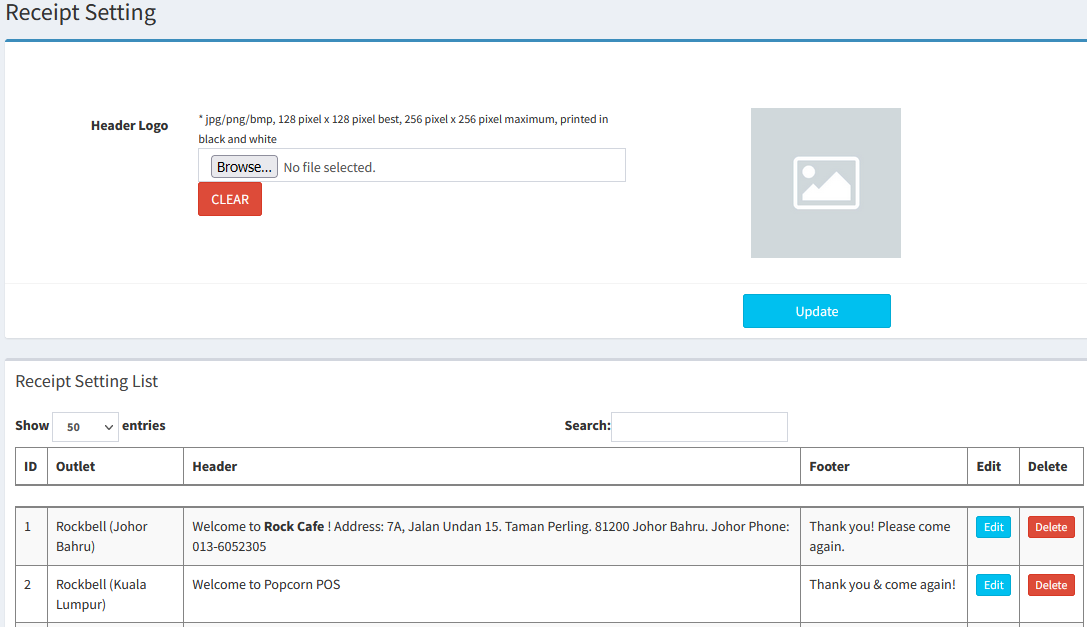
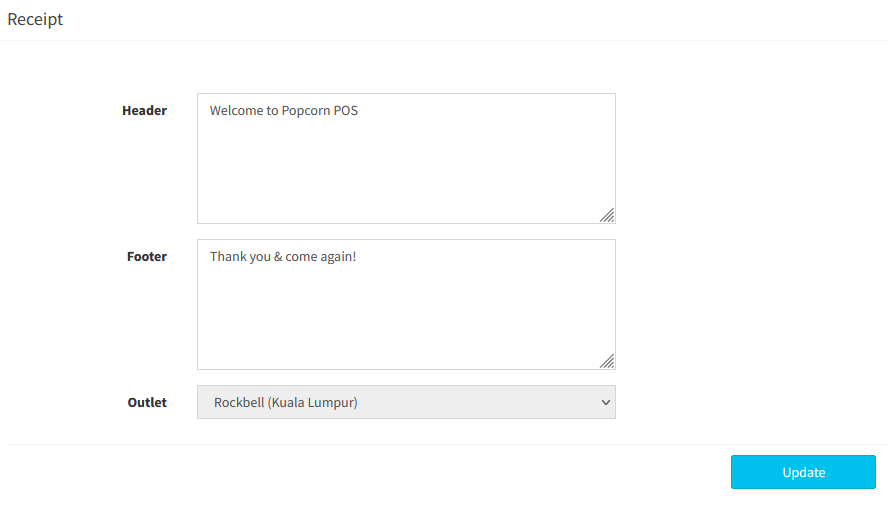
- Choose the outlet, and edit the receipt and key in the content
------------------------------------------------------------------------------------------------------------------------------------------
Please refer to the video below for more information:
Still stuck?
Our team is happy to walk you through this step by step.
