How to Create Table Listing / Floor Plan
Go to Transactions > Product Library > Table:
Table List:
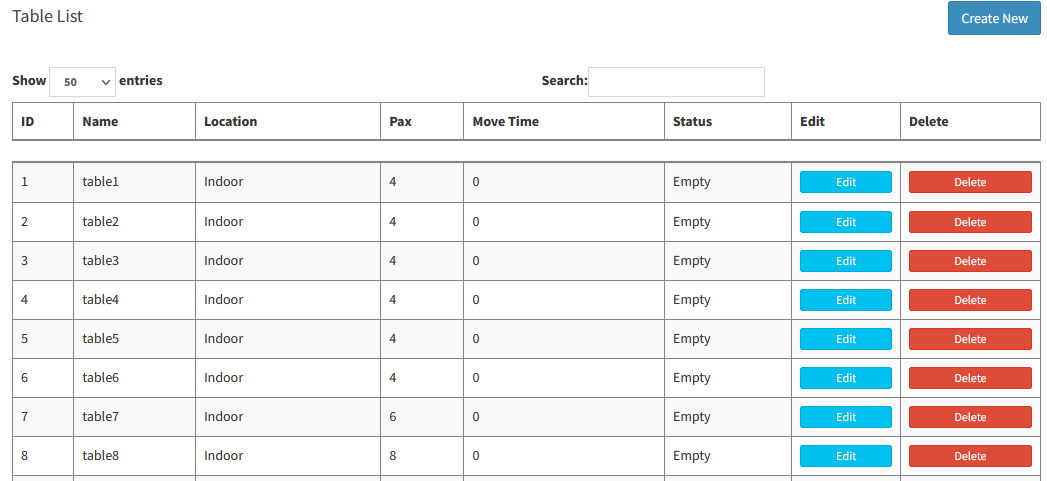
- Create table list by keying in Table Name, Location, Pax & Estimation Moving Time
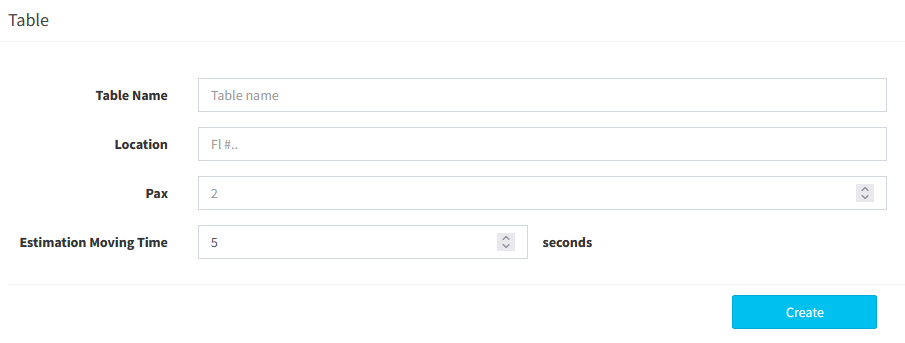
*Estimation Moving Time: Estimated Time for Waiter to deliver food to table
---------------------------------------------------------------------------------------------
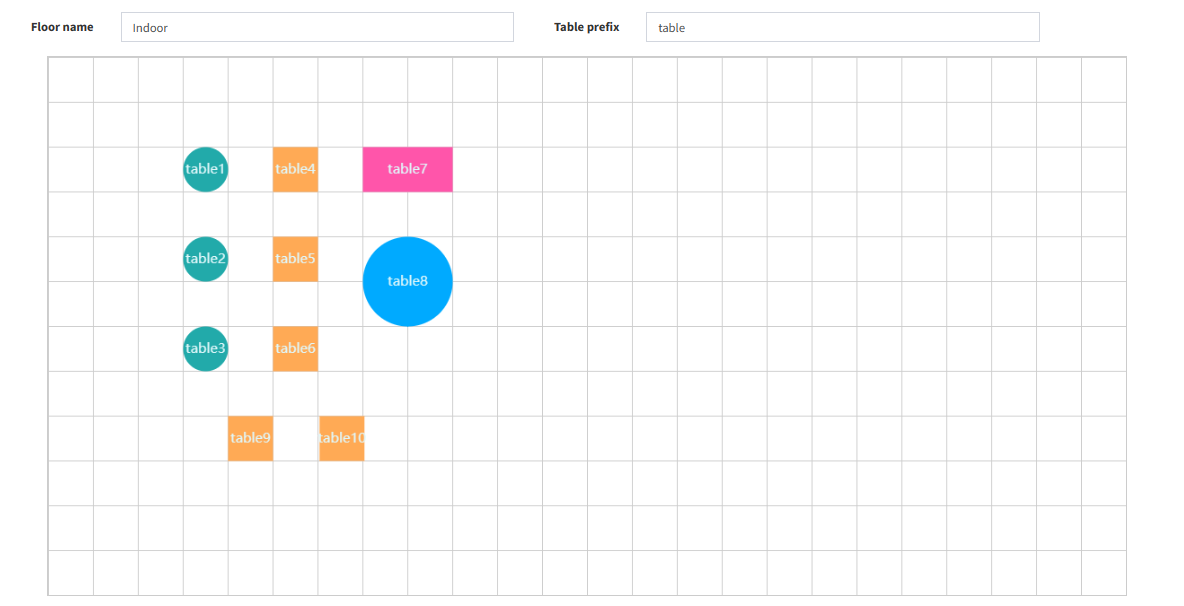
Floor Plan:
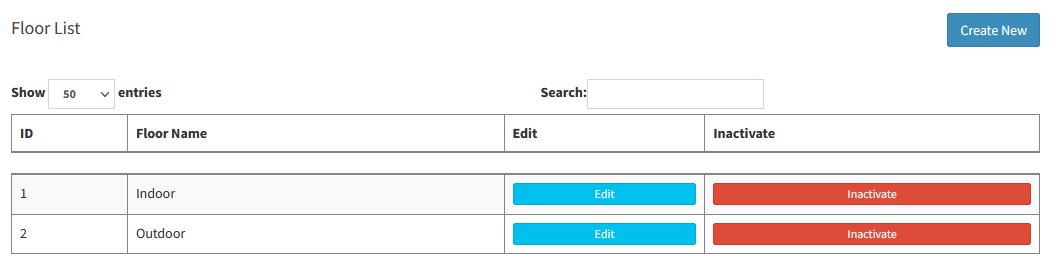
- Create Floor List by selecting the new table type from bottom (Can create multi floor), then drag to the desired place

---------------------------------------------------------------------------------------------
Please refer to the video below for more information:
Still stuck?
Our team is happy to walk you through this step by step.
