How to Void Bill After Payment
Step 1: Open the App
Open the Popcorn Cashier app on your device.
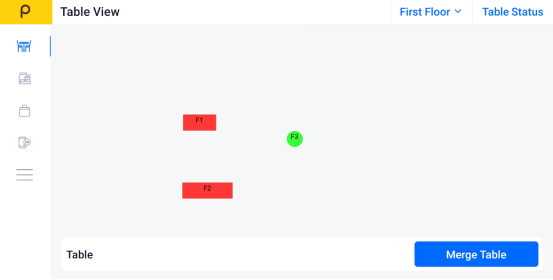
Step 2: Click the Sidebar
Tap the menu icon (☰)
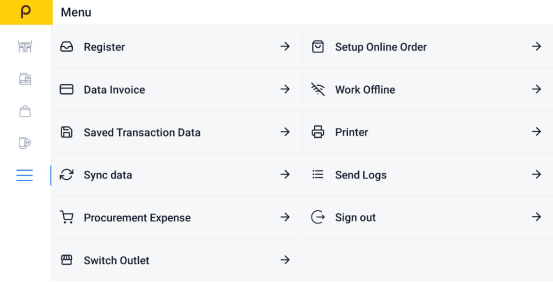
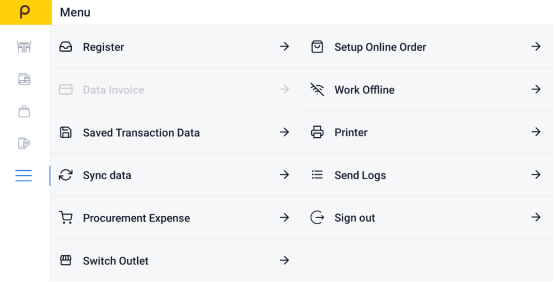
Step 3: Find "Data Invoice"
Select Data Invoice to view all recent transactions.
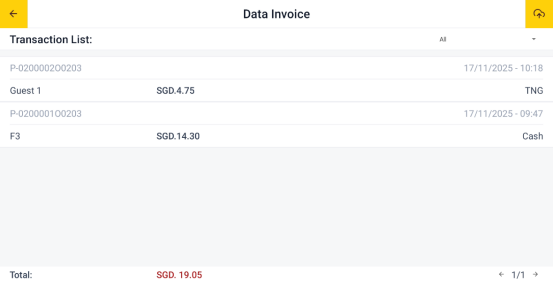
Step 4:Choose the Bill You Want to Void
Scroll through the list or search to find the specific invoice or bill.
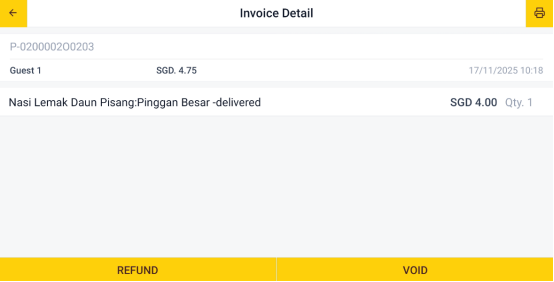
Step 5: Click the Void button
Tap the "Void" button.
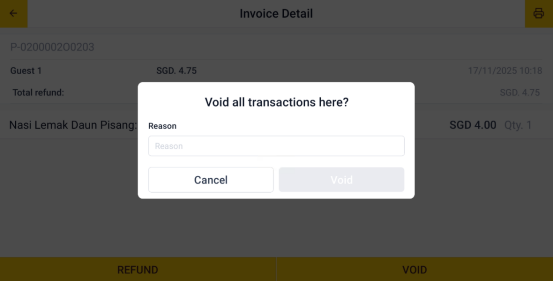
Step 6: Enter Void Reason
Enter the reason for the void in the field provided.
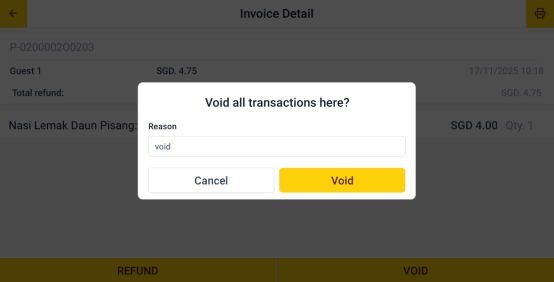
Step 7: Confirm the Void
Tap "Void" to submit the refund request.
Still stuck?
Our team is happy to walk you through this step by step.
