How to Split Payment
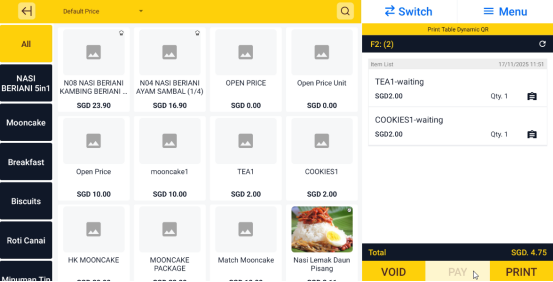
- In Cashier App, open the customer's order and click on PAY
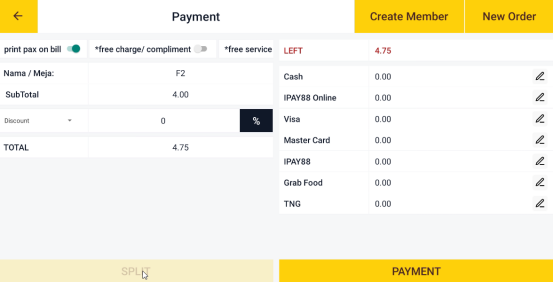
- Click on SPLIT
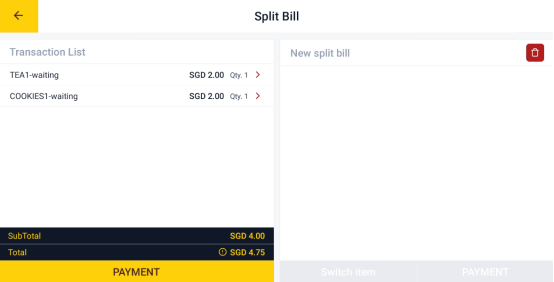
- Separate the bill by clicking on the item
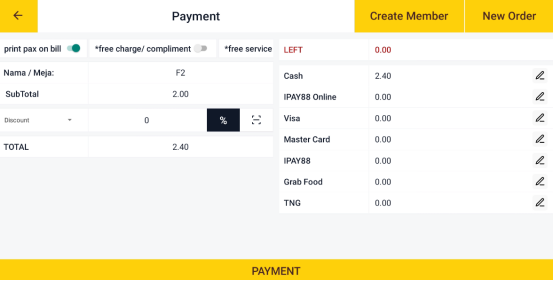
- Click on PAYMENT
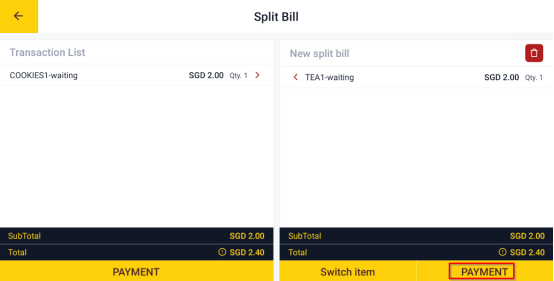
- Do the payment for each separate bill (For how to do payment, refer to the payment part in Topic: How to Take Table Ordering and Make Payment)
Still stuck?
Our team is happy to walk you through this step by step.
