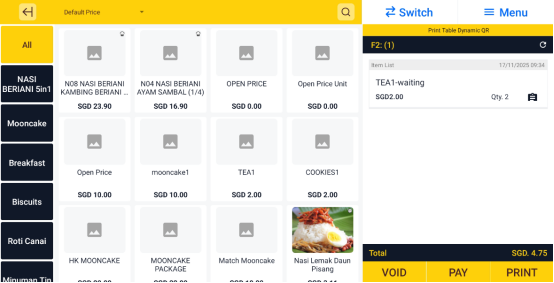
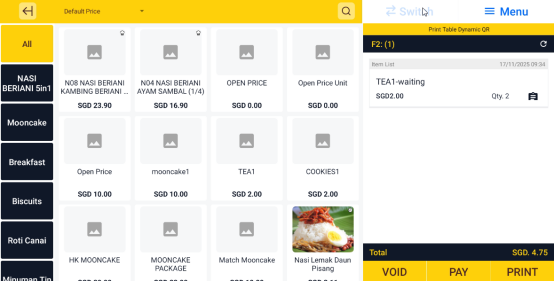
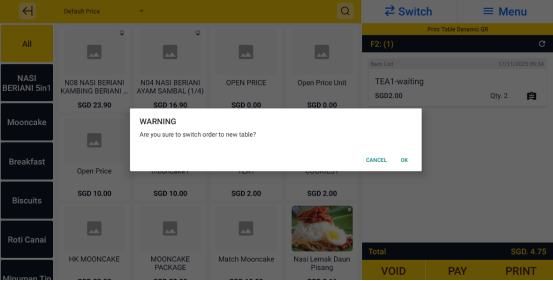
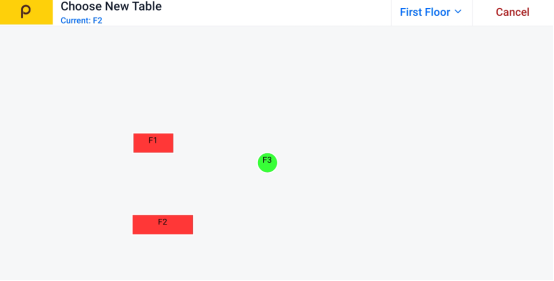
How to Switch Table Popcorn POS Applications Updated Wed, 21 Jan In Cashier App, open the table order you want to switchClick on SwitchSelect OKSelect the new tableWatch the video guide Still stuck? Our team is happy to walk you through this step by step. Contact Us →