How to Merge Table
- Launch the Popcorn Cashier App on your device and ensure you’re logged in with the proper access level.
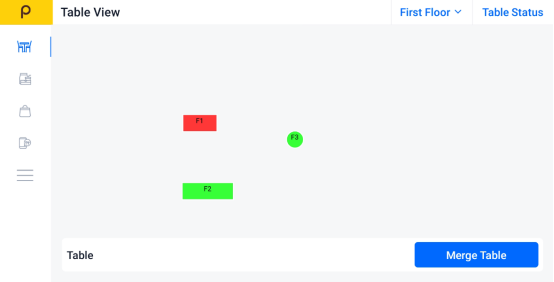
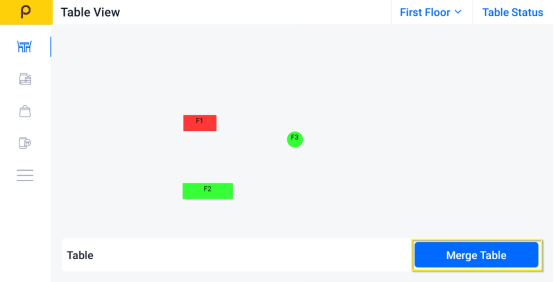
- Click on "Merge Table" button.
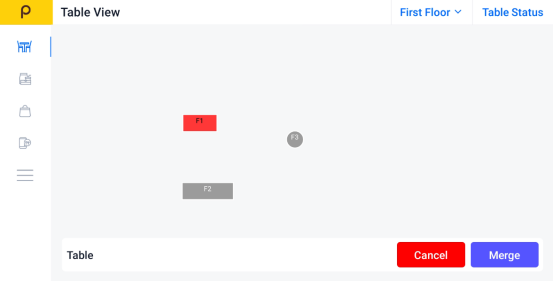
- Choose the tables you want to merge (the selected table will turn to color gray)
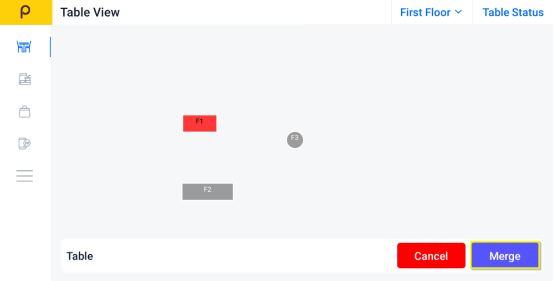
- Click on Merge to merge the table selected
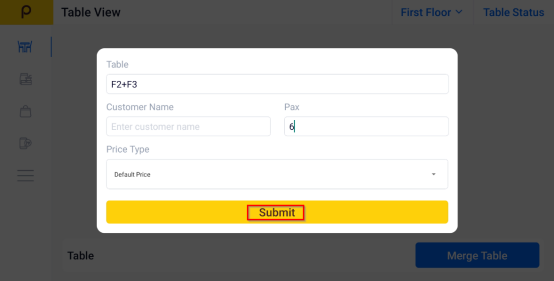
- Enter the customer name and number of pax is optional, and click Submit.
Still stuck?
Our team is happy to walk you through this step by step.
