STEPS TO LINK THE EXTERNAL SCANNER (SCANNING MEMBERSHIP VOUCHER)
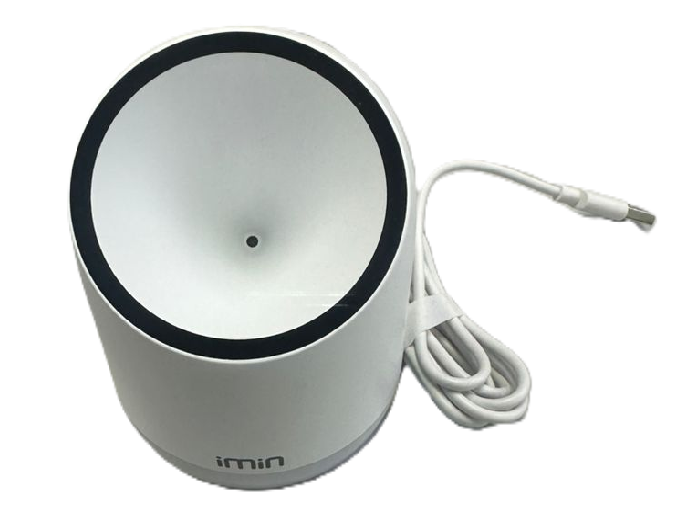
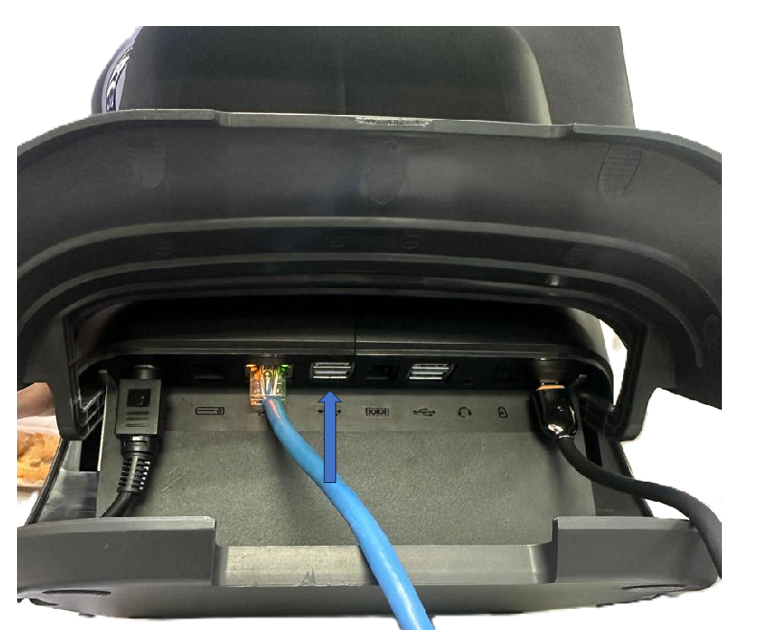
Plug the scanner's USB cable into an available USB port on the device.
Scanner ( iMin X1 POS Device X1-201)
IMIN D4-504
Still stuck?
Our team is happy to walk you through this step by step.
