How to Login to Rocket Backend Portal
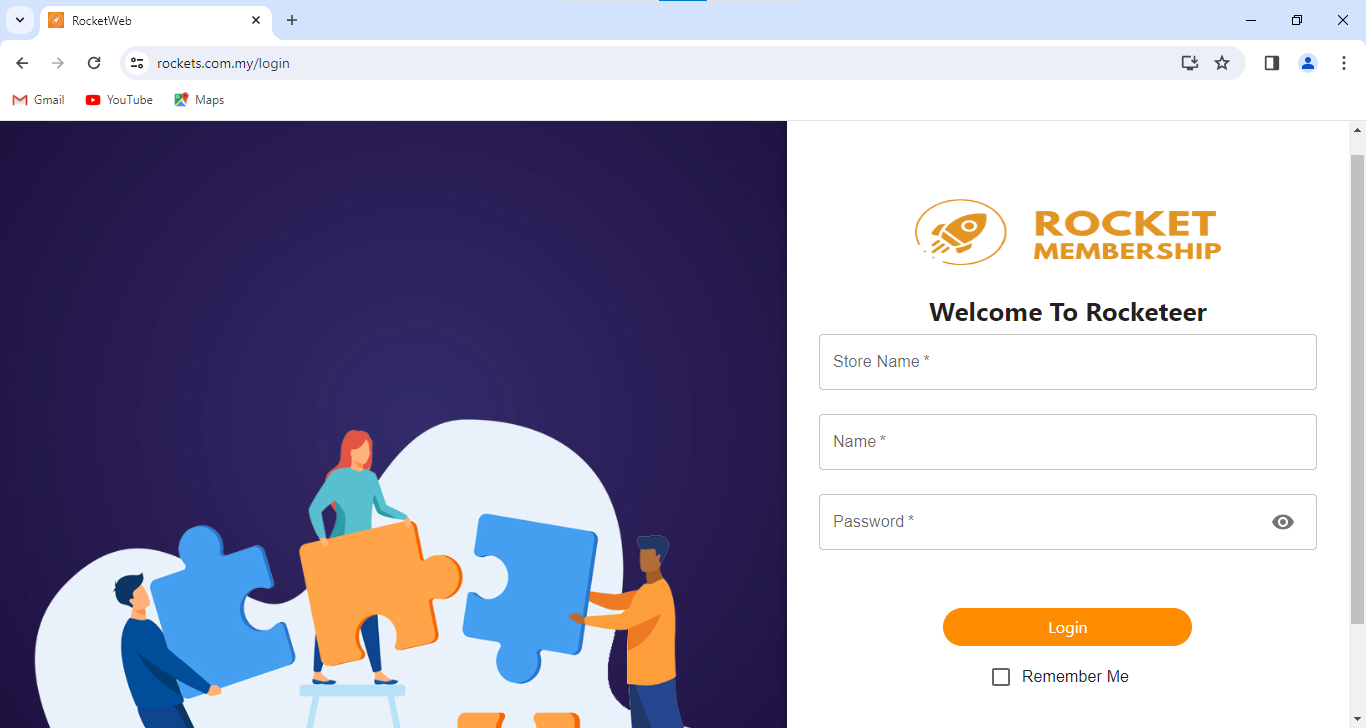
First, go to https://www.rockets.com.my/login . Then, key in your store name, name and password to login.
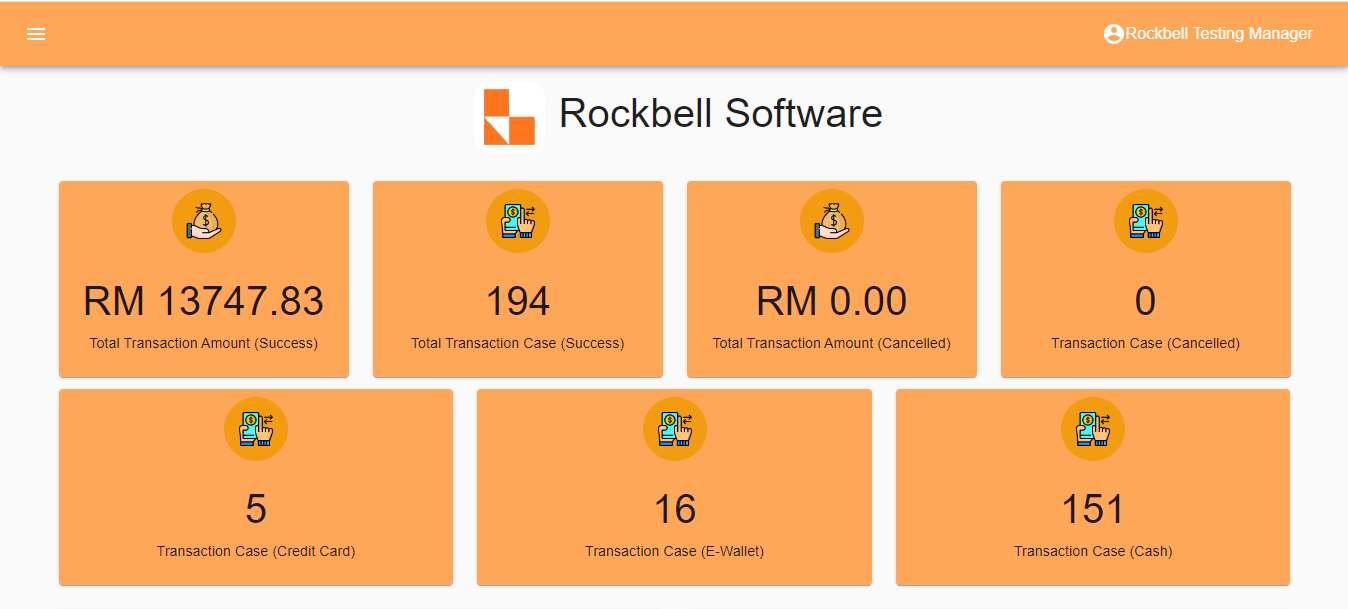
After login, this is the home page(dashboard) of the Rocket Backend Portal
Still stuck?
Our team is happy to walk you through this step by step.
