How to Check Report (History Related)
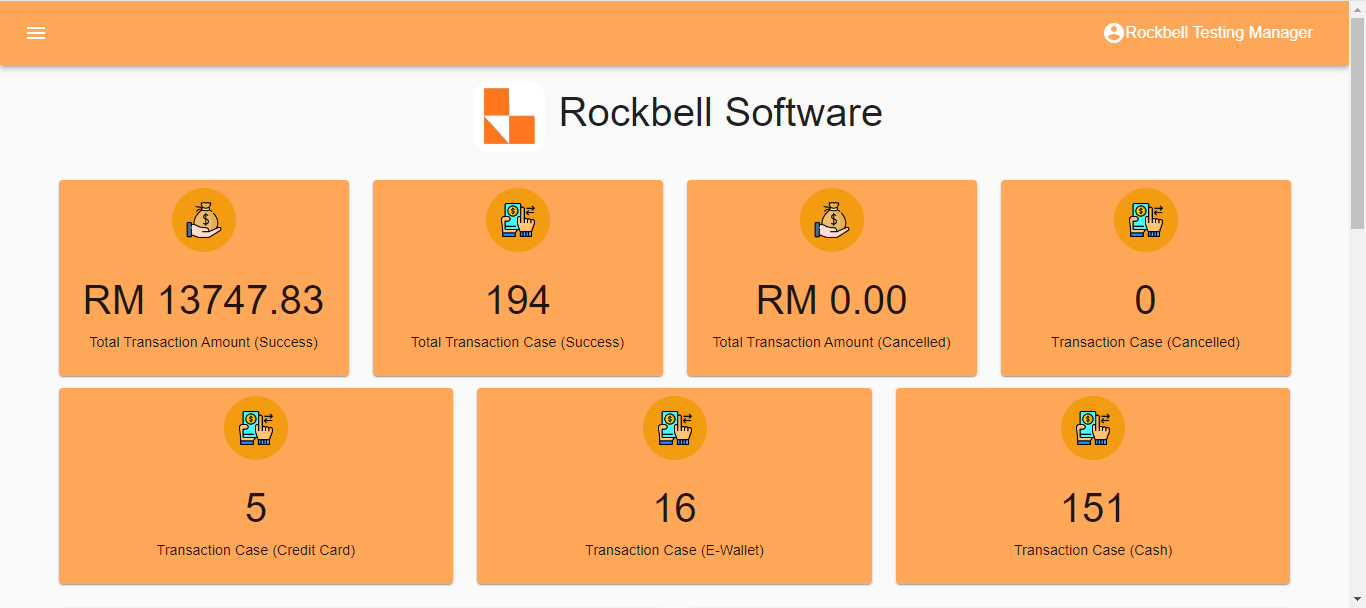
After login to Rocket Backend Portal(rockets.com.my/login), click on ≡ to open side menu
Scroll down to the Report section and click on History
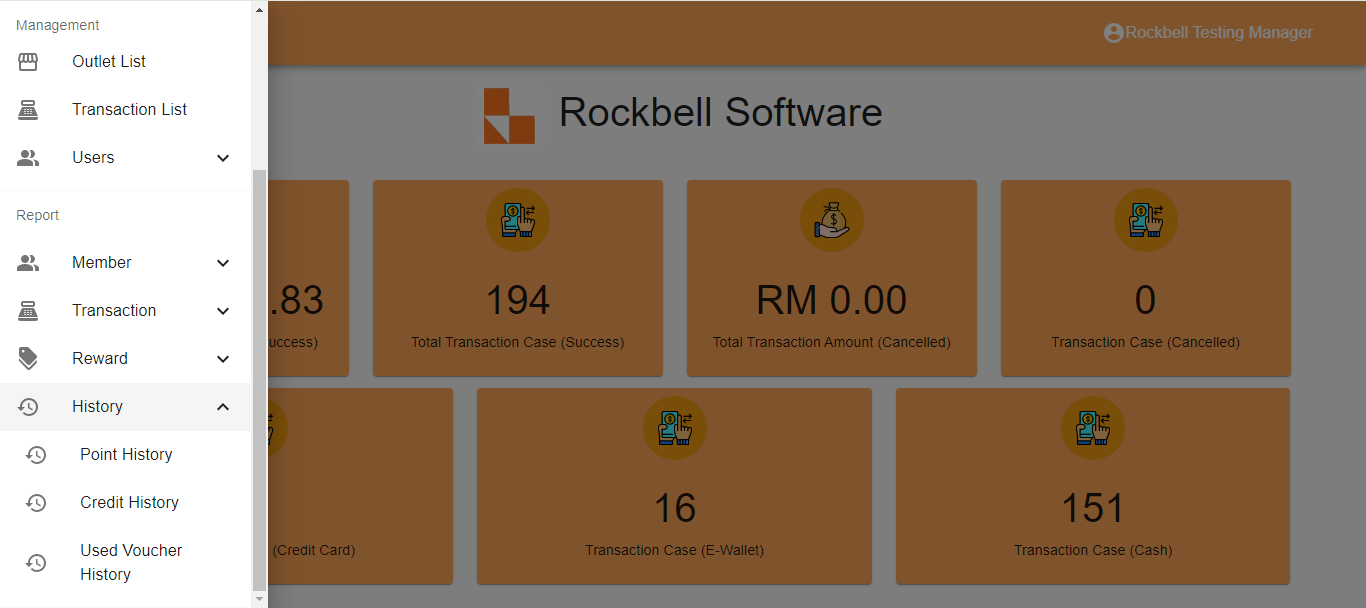
Types of history related report: - Point History Report
- Used Voucher History Report
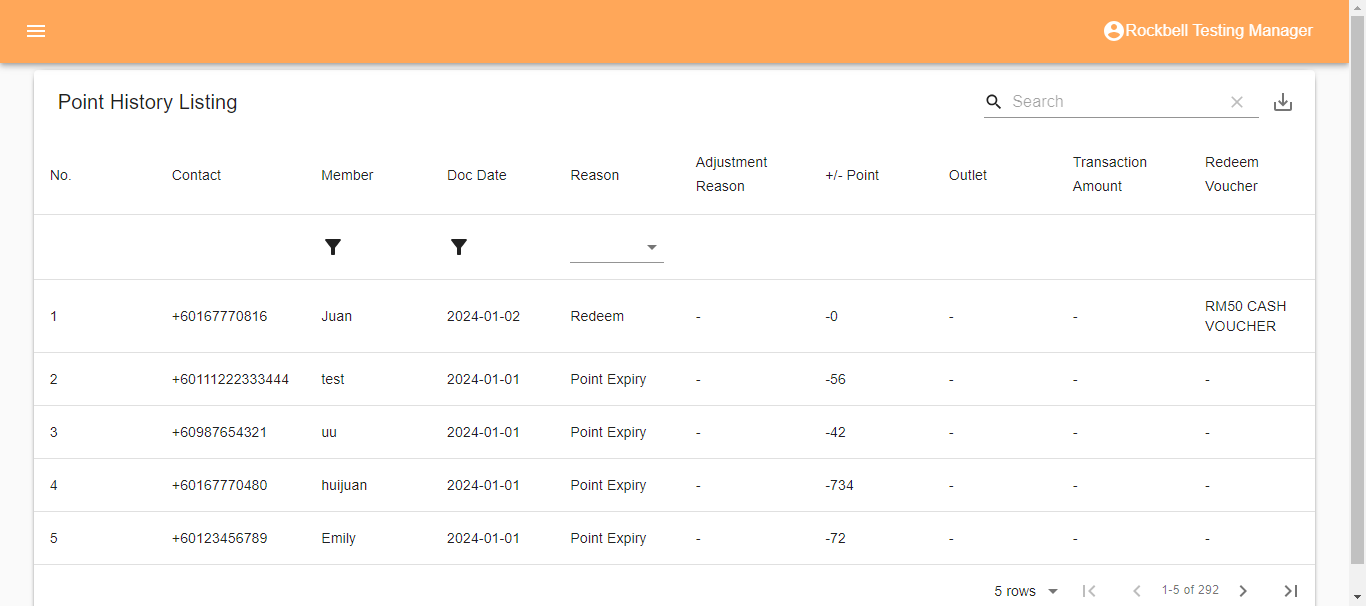
Point History Report
Used Voucher History Report
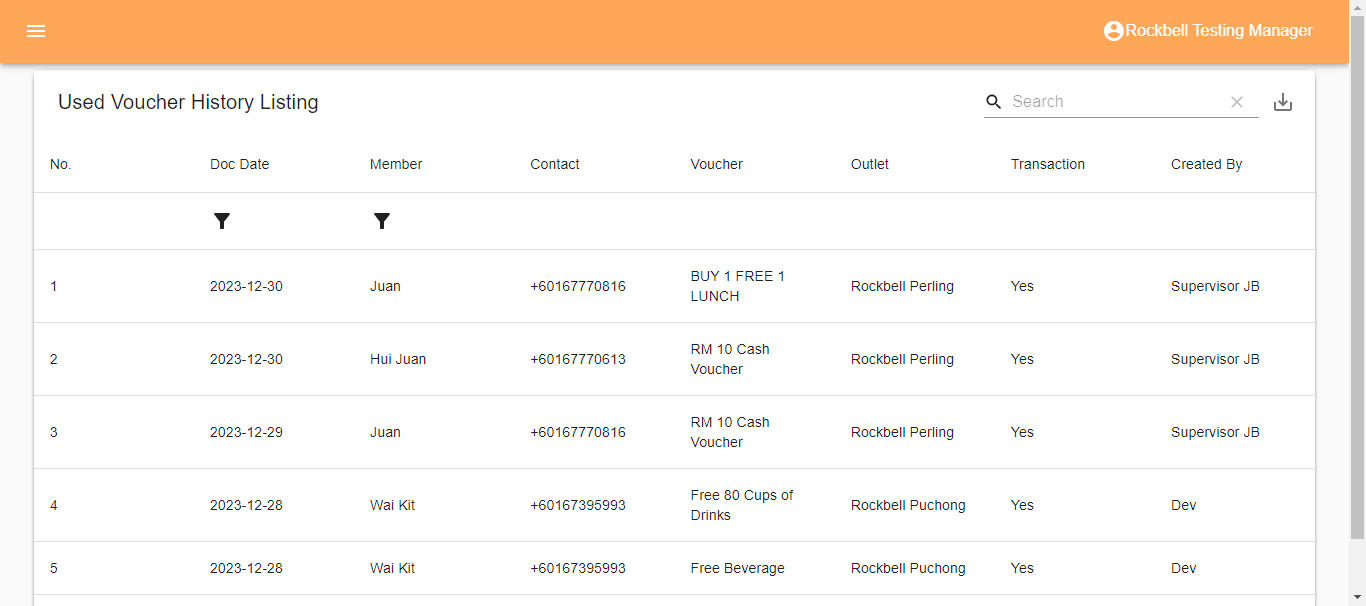
*The report can be export in either CSV or PDF format by clicking  on the top right side of the listing
------------------------------------------------------------------------------------------------------------------------------
Still stuck?
Our team is happy to walk you through this step by step.
