How to Create Promo Code
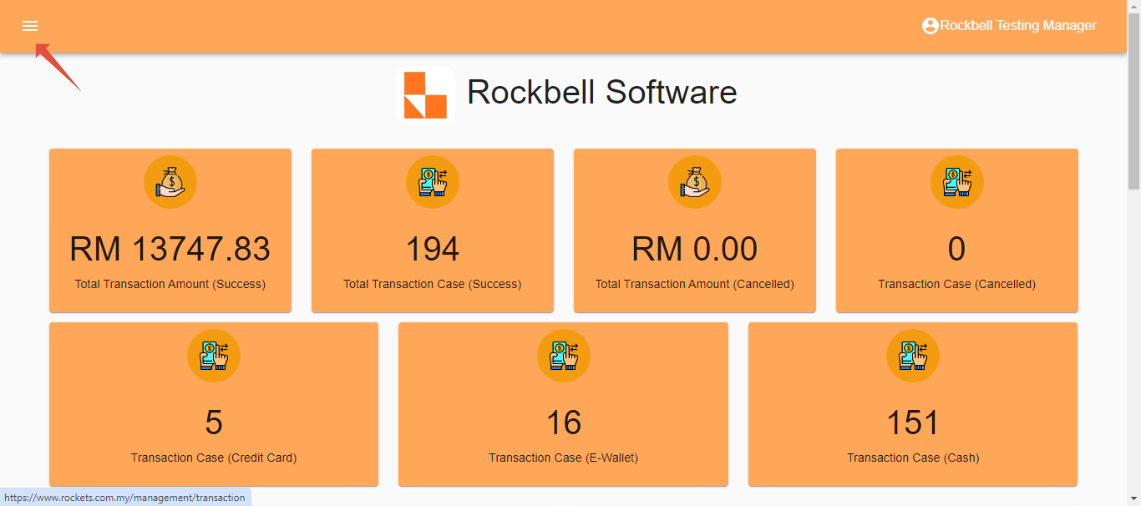
After login to Rocket Backend Portal(https://rockets.com.my/login), click on ☰ to open side bar menu
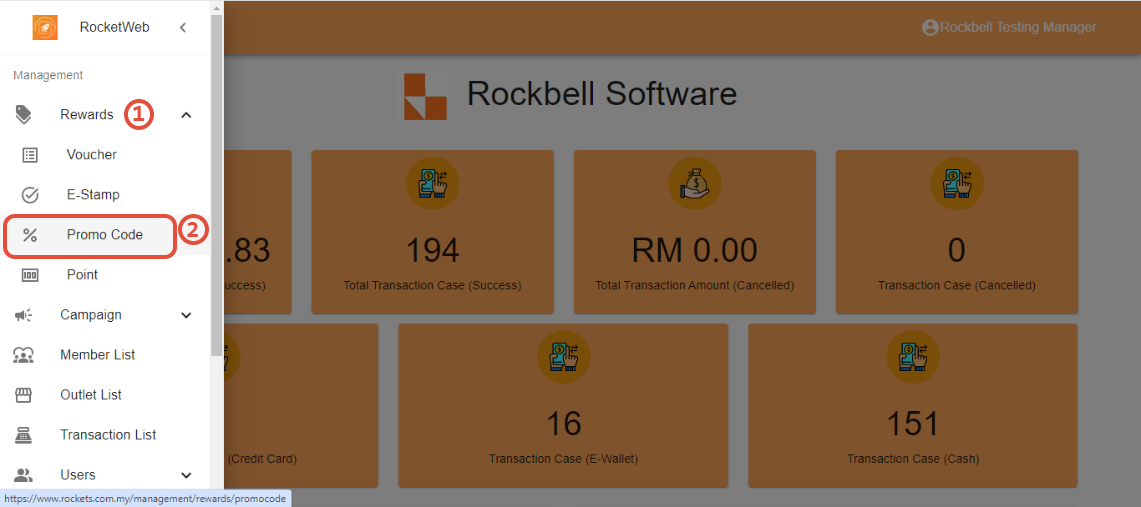
Click on Rewards, then click on Promo Code
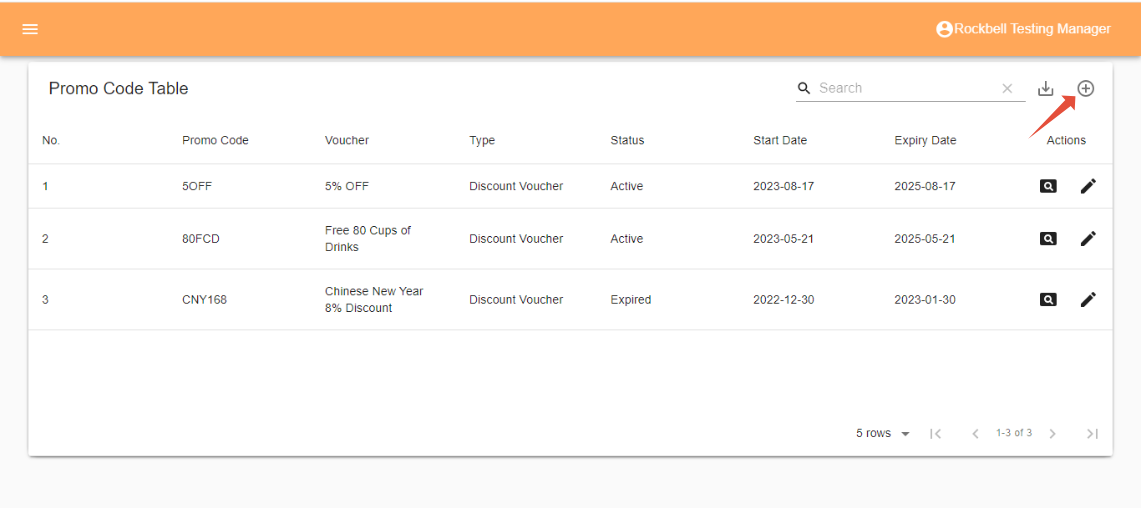
Click on add symbol on the top right corner of the promo code table
Fill in all the information required, then click on Create
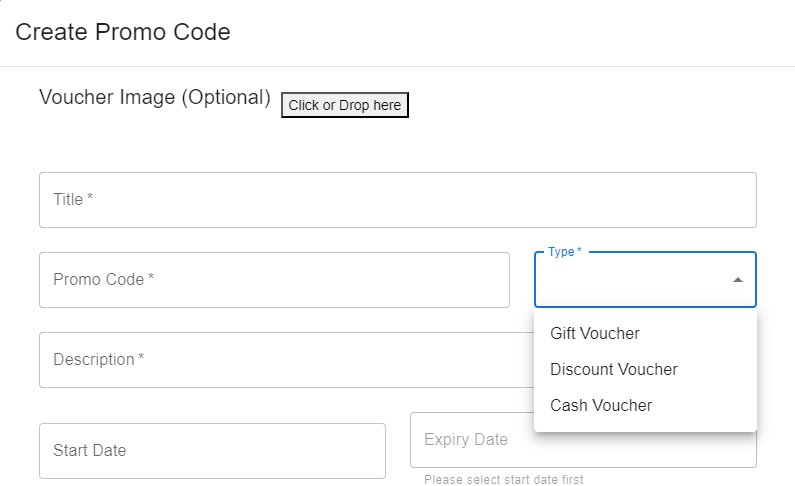
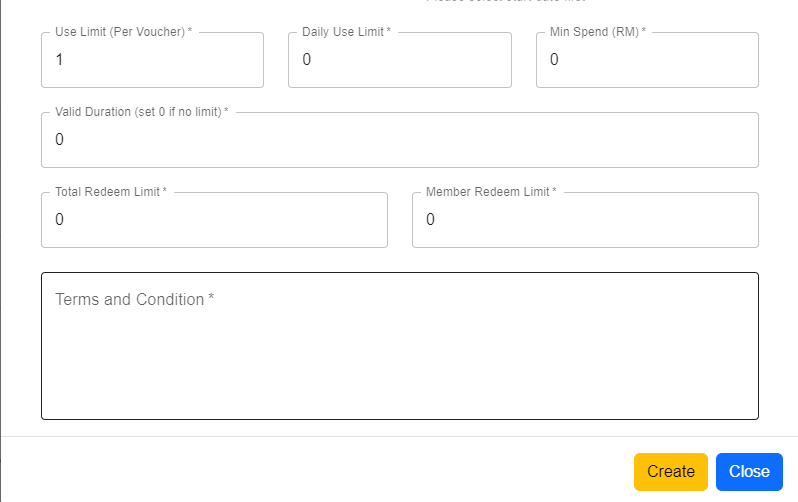
- Voucher Type: - Gift Voucher
- Discount Voucher: Deduct the amount of purchase using percentage (E.g. 10%, 20%)
- Cash Voucher: Deduct the amount of purchase with direct specified amount (E.g. RM10, RM15) - Use Limit (Per Voucher): The maximum times of a specific voucher (one voucher) can be used
- Daily Use Limit: The maximum times of a specific voucher can be used by a specific customer in a day
- Min Spend (RM): The minimum amount of purchase (in RM) required in order to apply the voucher
- Valid Duration: The period of time that the voucher is able to be use once redeemed (expiry time)
*There will be no need of valid duration if the expiry date is set - Maximum Discount: The maximum amount that can be deducted in a transaction while using the voucher (E.g. 15%OFF capped at RM100)
- Total Redeem Limit: The limit quantity of this voucher opening for redemption (E.g. Limited for the first 100 person)
- Member Redeem Limit: The limit quantity of this specific voucher can the member redeem
------------------------------------------------------------------------------------------------------------------------------------------
Still stuck?
Our team is happy to walk you through this step by step.
