How to Turn Off Receipt Printing
- In Backend (admin page), go to Setting > Print Bill Setting
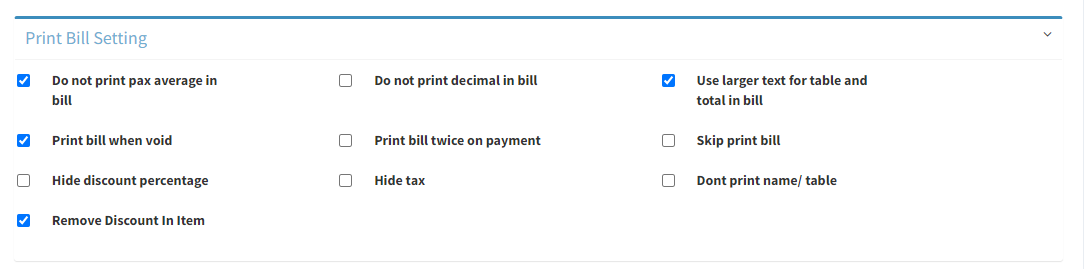
- Tick on Skip print bill
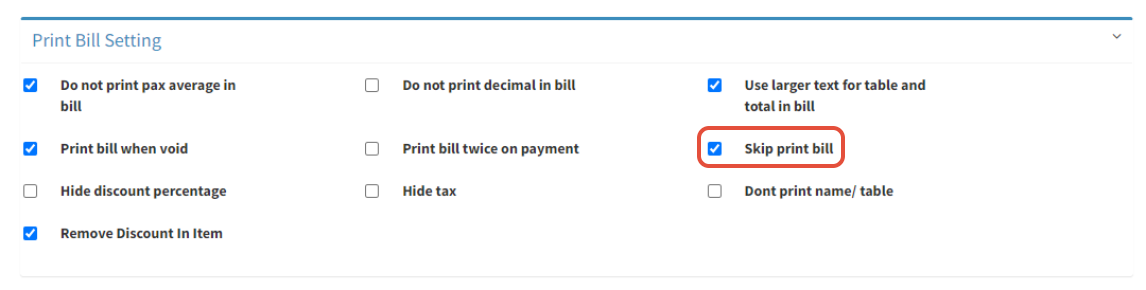
- Click on
 to save
----------------------------------------------------------------------------------------------------------------------
Please refer to video below for more information:
Still stuck?
Our team is happy to walk you through this step by step.
