How to Auto Send Email when Closing
You must ensure you already setup the email that you want to receive the closing in Backend (admin page). To do so:
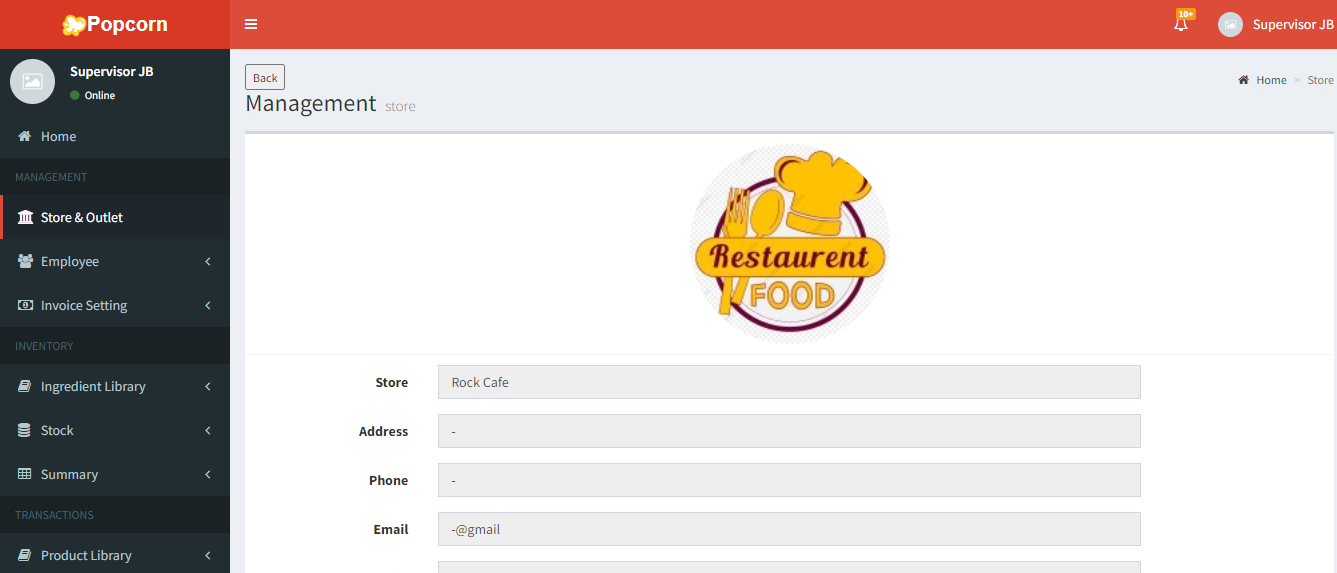
- Go to Management > Store & Outlet
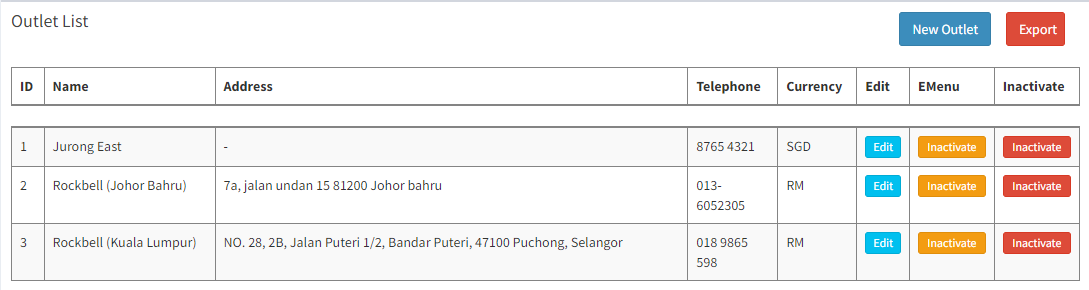
- Click on
 in the Outlet List
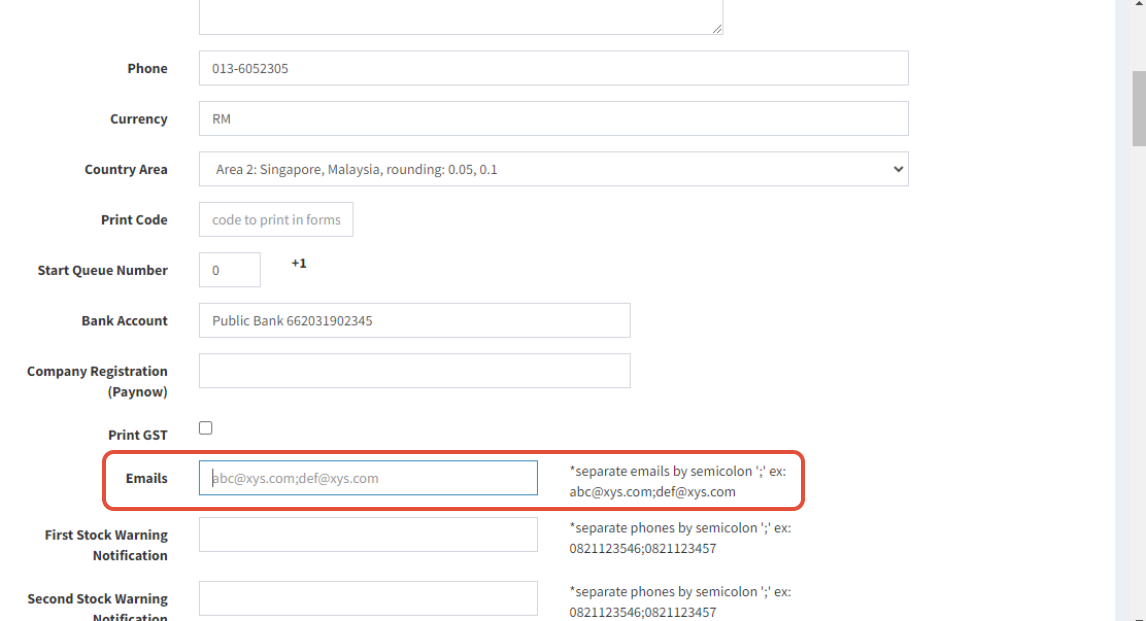
- Enter the email address use for receiving closing
- Click on
 to save
- Then go to Setting > Cashier Register Drawer Setting
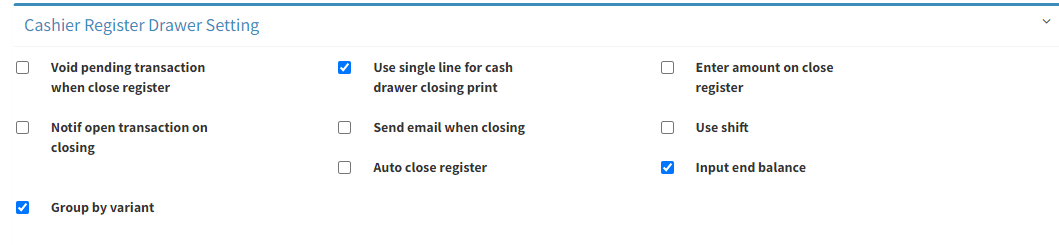
- Tick on Send email when closing
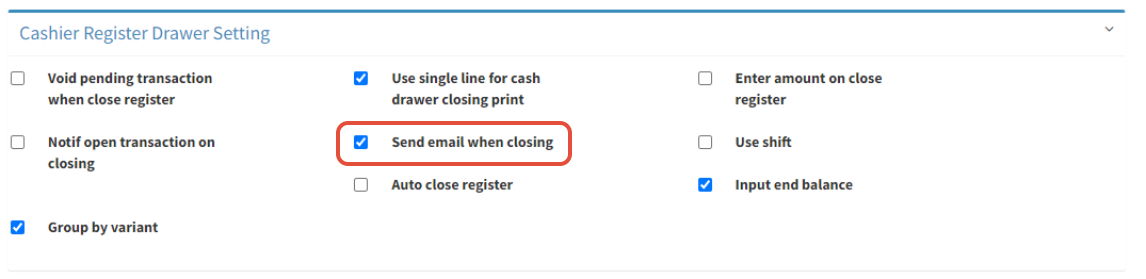
- Click on
 to save change
-----------------------------------------------------------------------------------------------------------------
Please refer to video below for more information:
Still stuck?
Our team is happy to walk you through this step by step.
