How to Turn Off Checker Printing
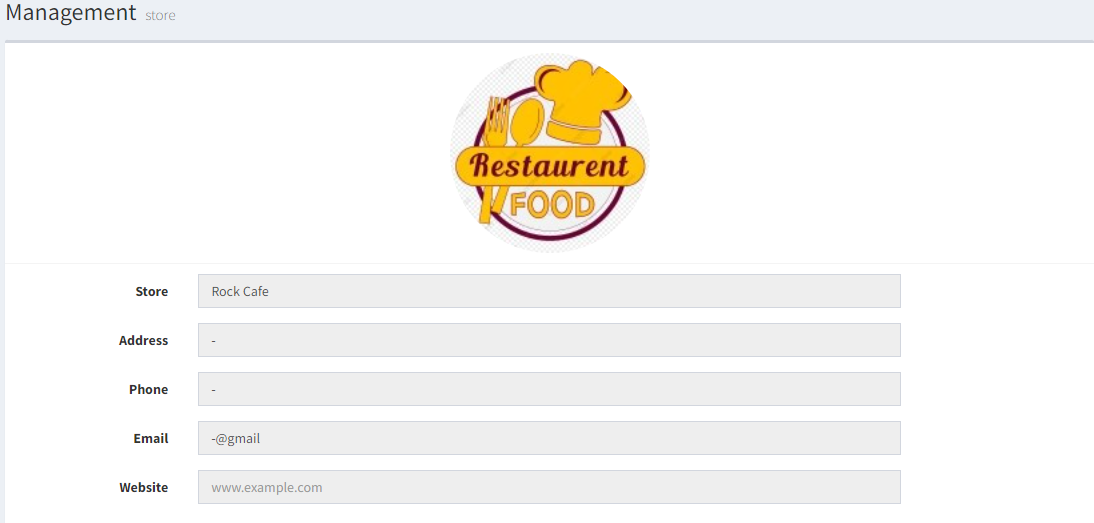
- In Backend (admin page), go to Management > Store & Outlet
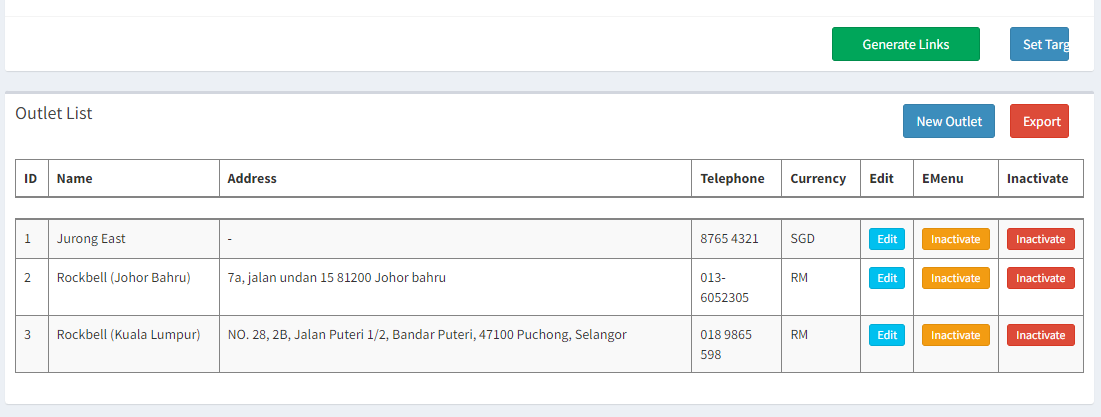
- In the Outlet List, click on the
 in the outlet you want to turn off checker printing
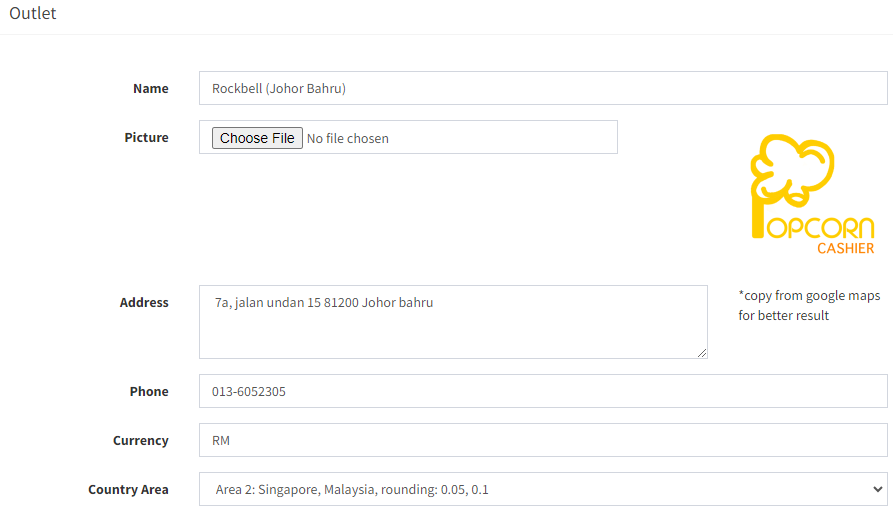
- Find and tick on Skip all checker
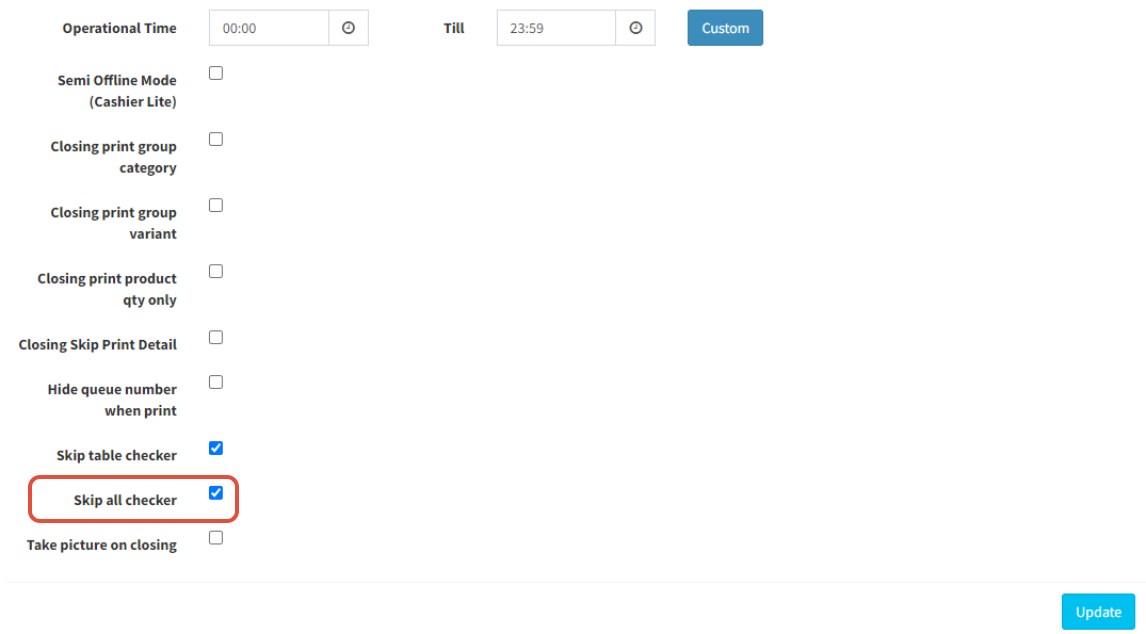
- Click on
 to save
-------------------------------------------------------------------------------------------------------------
Please refer to video below for more information
Still stuck?
Our team is happy to walk you through this step by step.
