How To Create Purchase Order & Purchase Invoice
How To Create Purchase Order
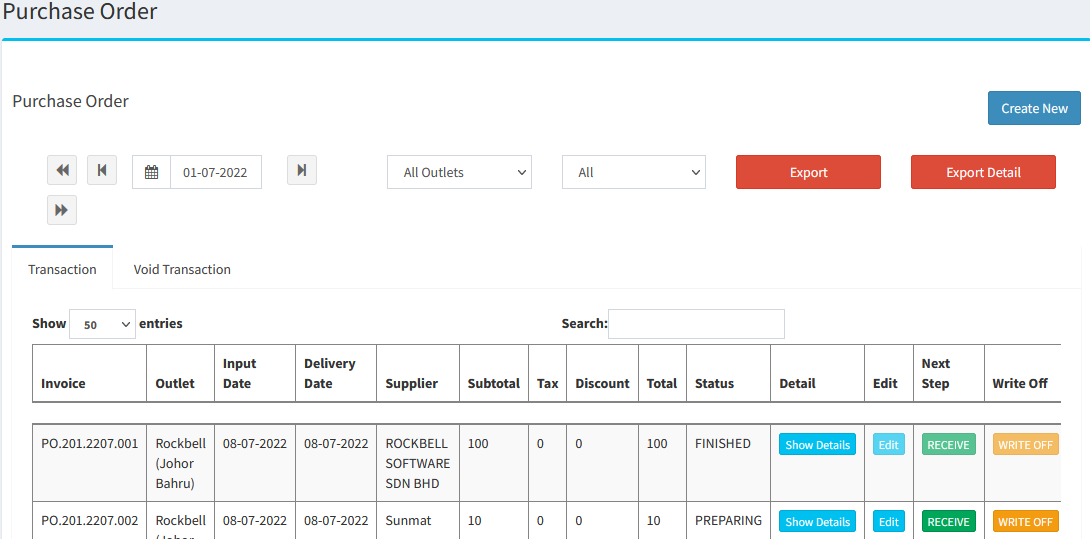
Go to Inventory > Stock > Purchase Order:
- Create New Purchase Order:
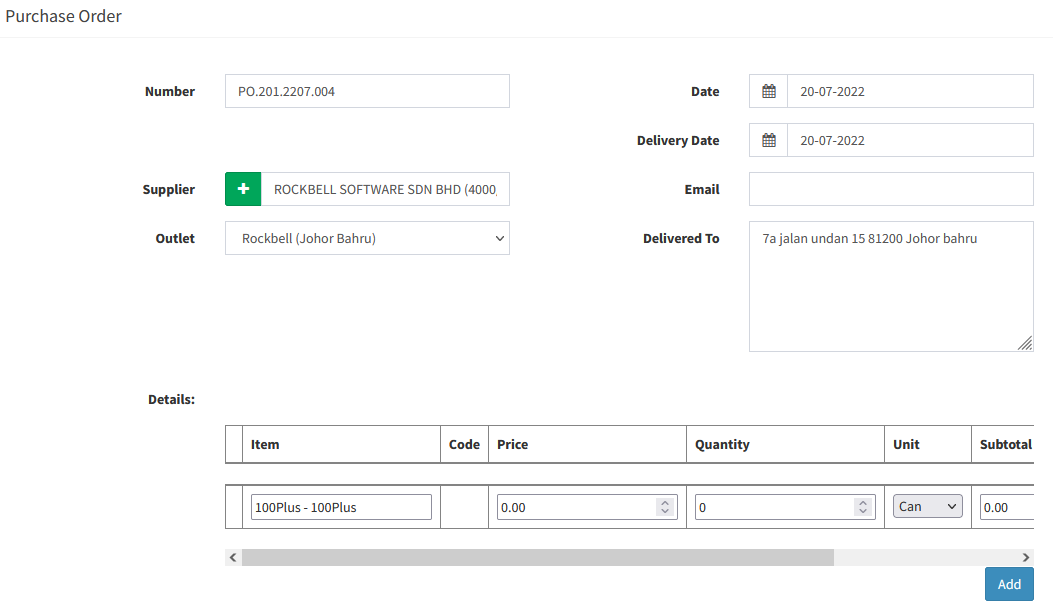
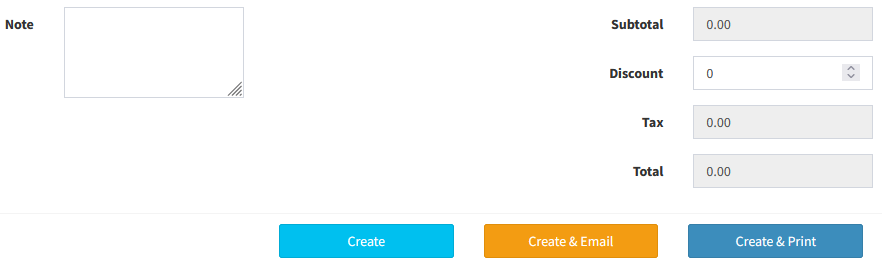
- Number: Purchase Order Number
- Supplier: Select Supplier
- Outlet: Select Outlet
- Detail: Add in the ingredients
How To Create Purchase Invoice
- After create purchase order, go to Purchase Order Listing:

- Click
 to convert the Purchase Order to Purchase Invoice
 - Stock will auto increase once click

----------------------------------------------------------------------------------------------------------------------------------------------------------
Please refer to the video below for more information:
Still stuck?
Our team is happy to walk you through this step by step.
