How to Check Received Purchase
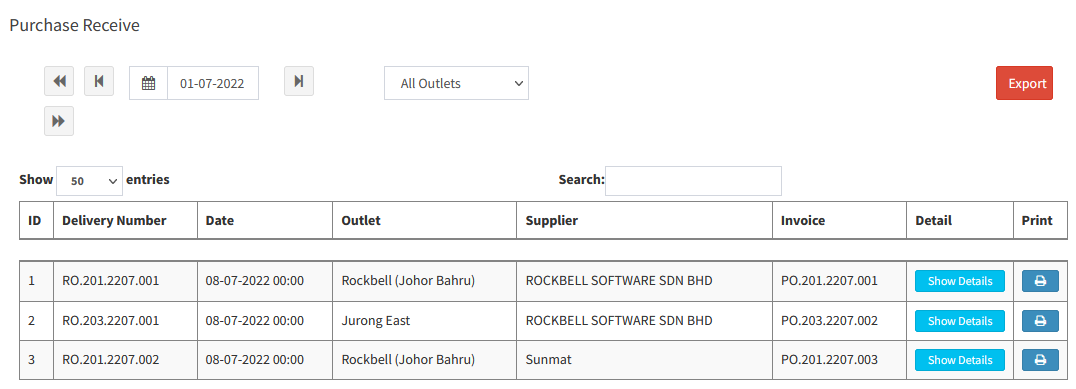
Go to Inventory > Stock > Receive Purchase:
- Receive Purchase: This will show out the Purchase Invoice Listing
- You can click Show Details to check the purchased items
------------------------------------------------------------------------------------------------------------------------------------------
Please refer to the video below for more information:
Still stuck?
Our team is happy to walk you through this step by step.
