How To Adjust Stock
Go to Inventory > Stock > Stock Adjustment:
- Stock Adjustment: To adjust the stock quantity to tally with physical stock balance/ To update stock on hand
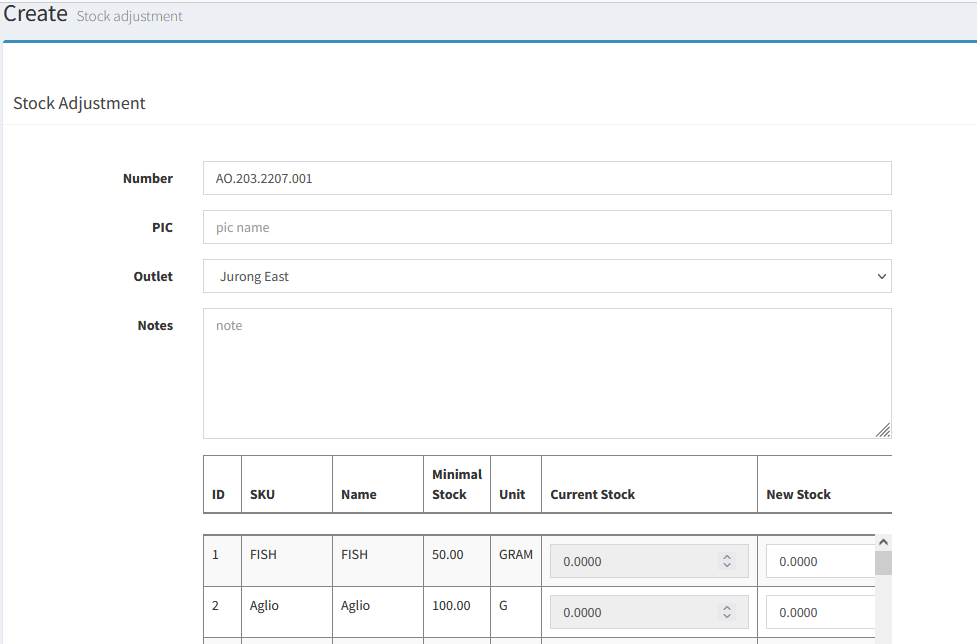
- Key in the name of the PIC(person-in-charge) in PIC and new stock quantity in NEW STOCK column
----------------------------------------------------------------------------------------------------------------------------------------------------------
Please refer to the video below for more information:
Still stuck?
Our team is happy to walk you through this step by step.
