Integration to Sutera Mall
Go to www.popcorncashier.com
Go to Integration & Other:
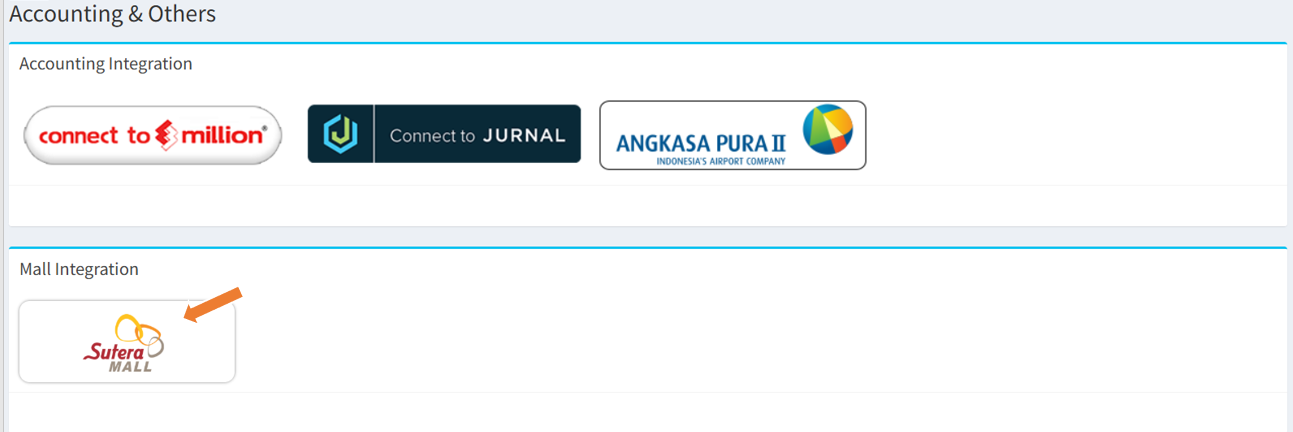
- At the Accounting & Others section, click the Sutera Mall logo under Mall Integration.
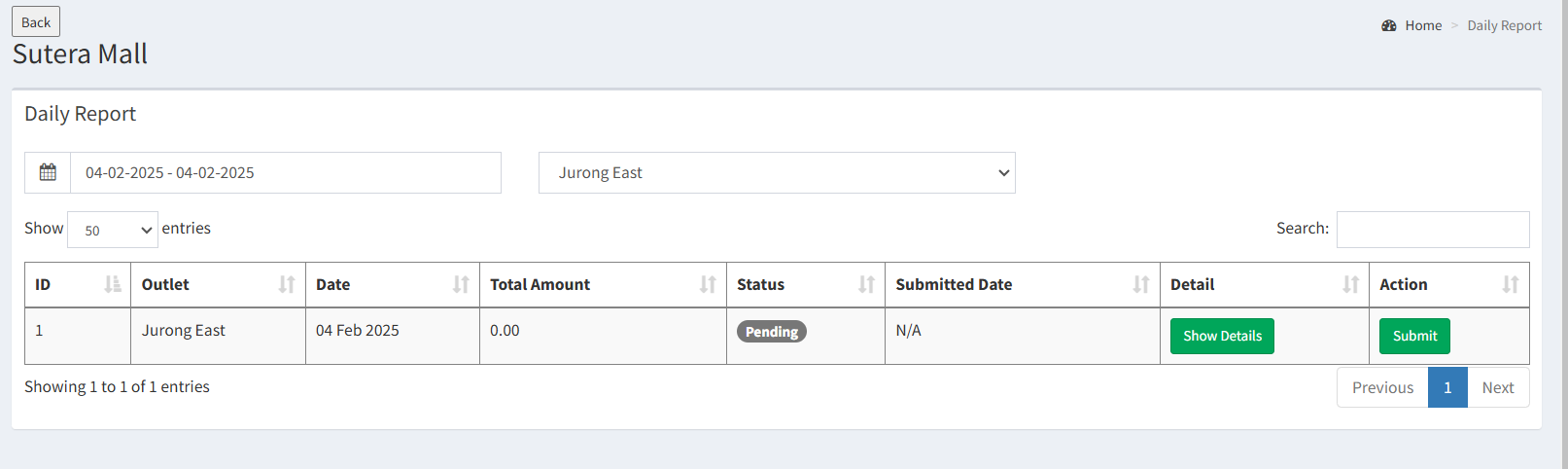
- Date Selection: Users can select a specific date range
- Outlet Selection: Users can choose the relevant outlet
- ID: Report entry number.
- Outlet: Outlet name.
- Date: The transaction date.
- Total Amount: The total recorded amount.
- Status: The report's submission status.
- Submitted Date: The date the report was submitted.
- Show Details: View more information.
- Submit: Finalize and submit the report.
----------------------------------------------------------------------------------------------------------------------------------------------------------
Please refer to the video below for more information:
Still stuck?
Our team is happy to walk you through this step by step.
