How to Generate E-Menu QR Code
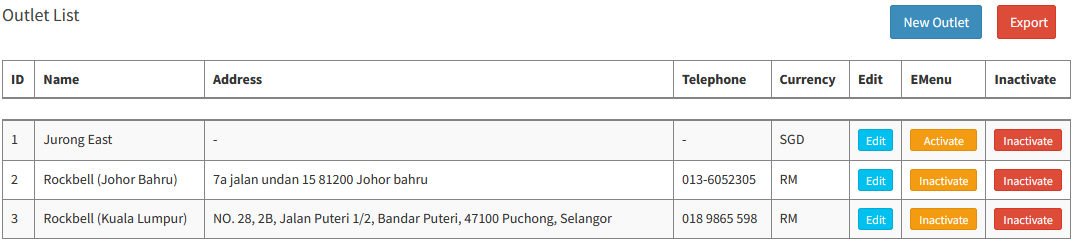
Go to Management > Store & Outlet:
- To generate the E-Menu QR Code, edit the outlet:
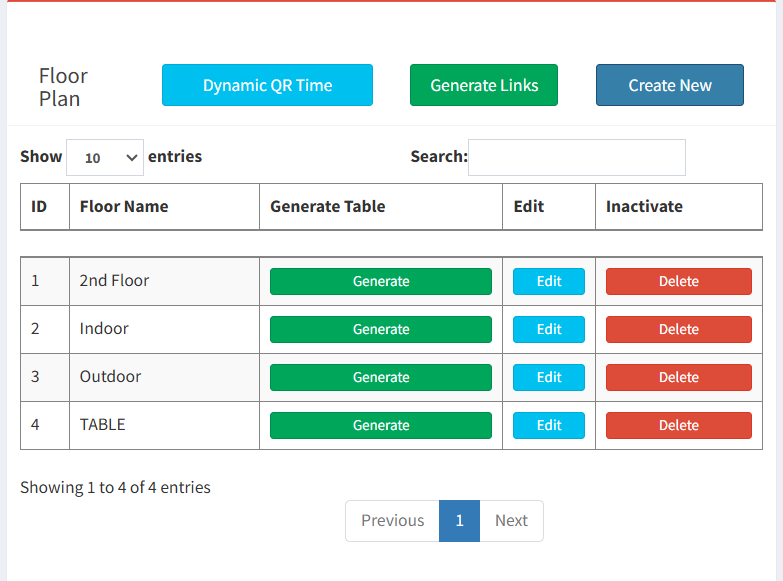
- Scroll down to Floor Plan & Click Generate Links
- Select the Types of QR Code
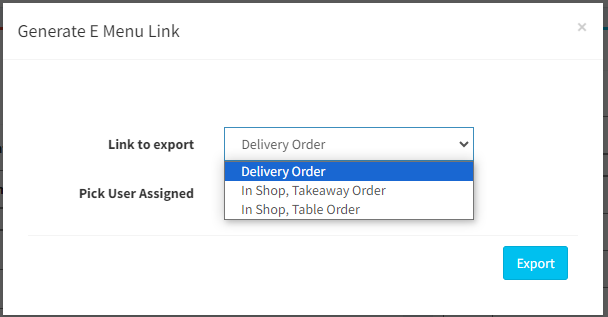
- Delivery Order: This is QR Code/URL for delivery order and pickup order
- In Shop, Takeaway Order: This is QR Code for customer to scan the QR Code and place takeaway order
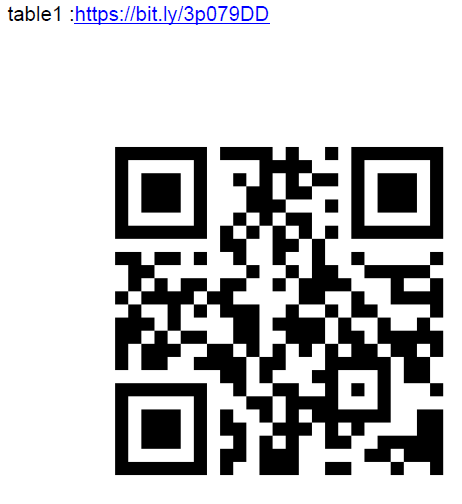
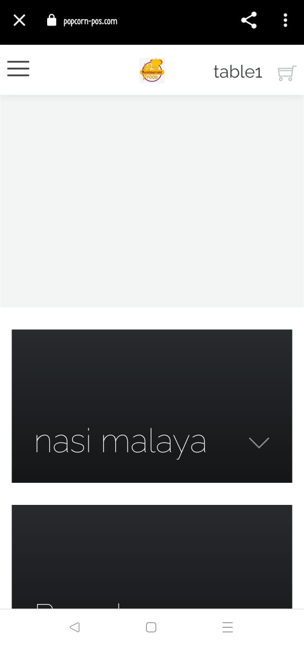
- In Shop, Table Order: This QR Code is for Dine-In Customer
- Click
 and system will generate a PDF
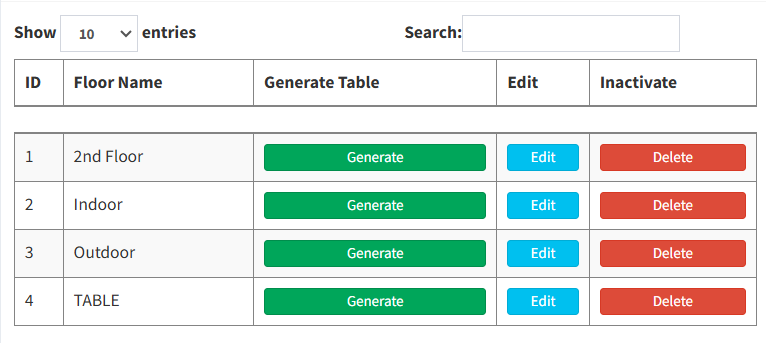
-Apart from clicking "Generate Links," you can also generate it by selecting a floor name. Locate the floor name where you want to generate. Once you have identified the desired floor, look for the "Generate Table" column and click the "Generate" button .
----------------------------------------------------------------------------------------------------------------------------------------------------------
Please refer to the video for more information:
Still stuck?
Our team is happy to walk you through this step by step.
