Grab Integration: Self-Service Activation Grab Store
Step 1:Our support department will send a link to you, you can click on the link to activate
Langkah 1: Pasukan sokongan kami akan memberikan anda 'Activation link', anda boleh mengklik pautan tersebut dan mengikuti langkah-langkah pengaktifan secara sendiri.
步骤 1: 我们support部门会给你们一个Activation link, 你们可以按Link进去自行进行激活步骤
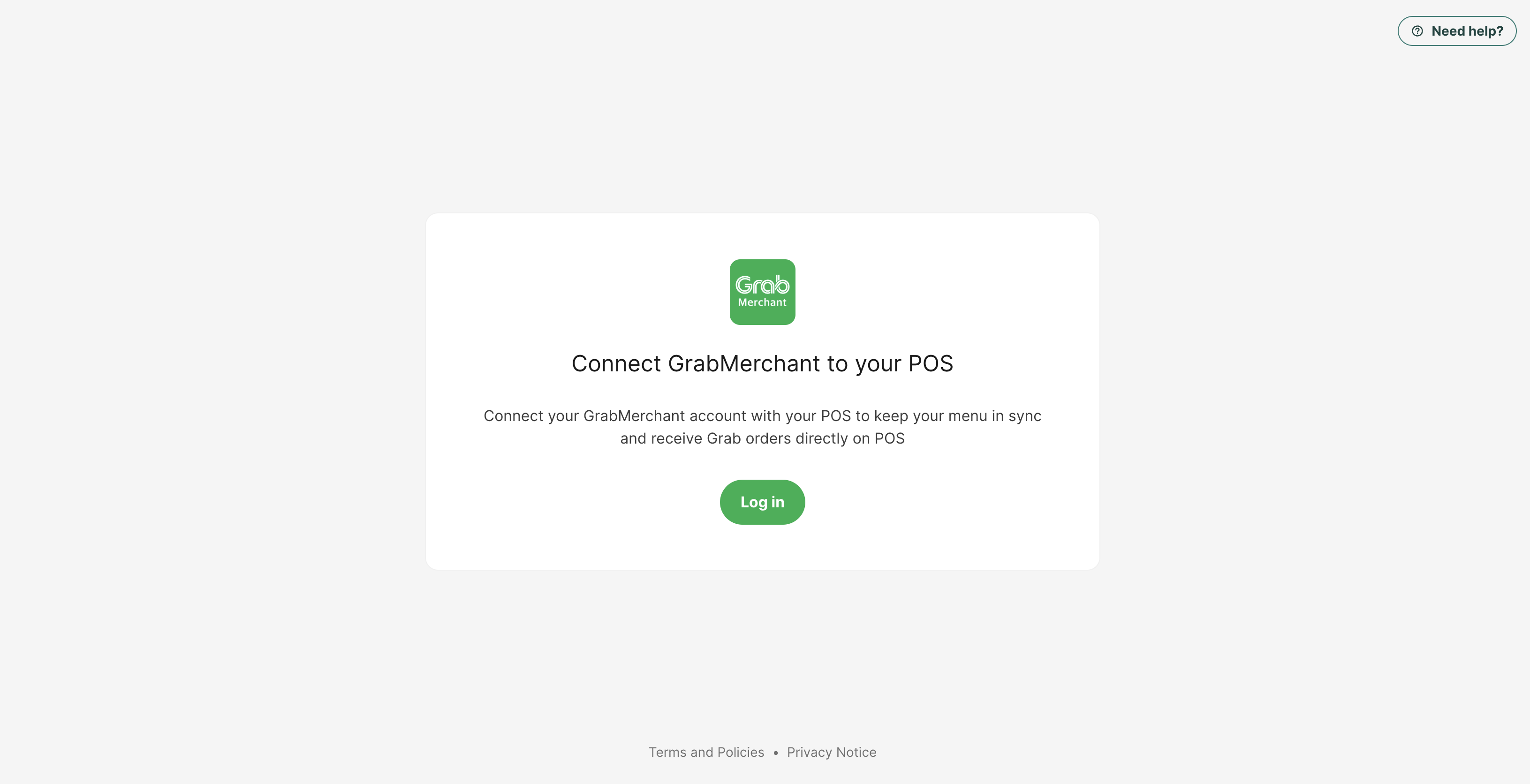
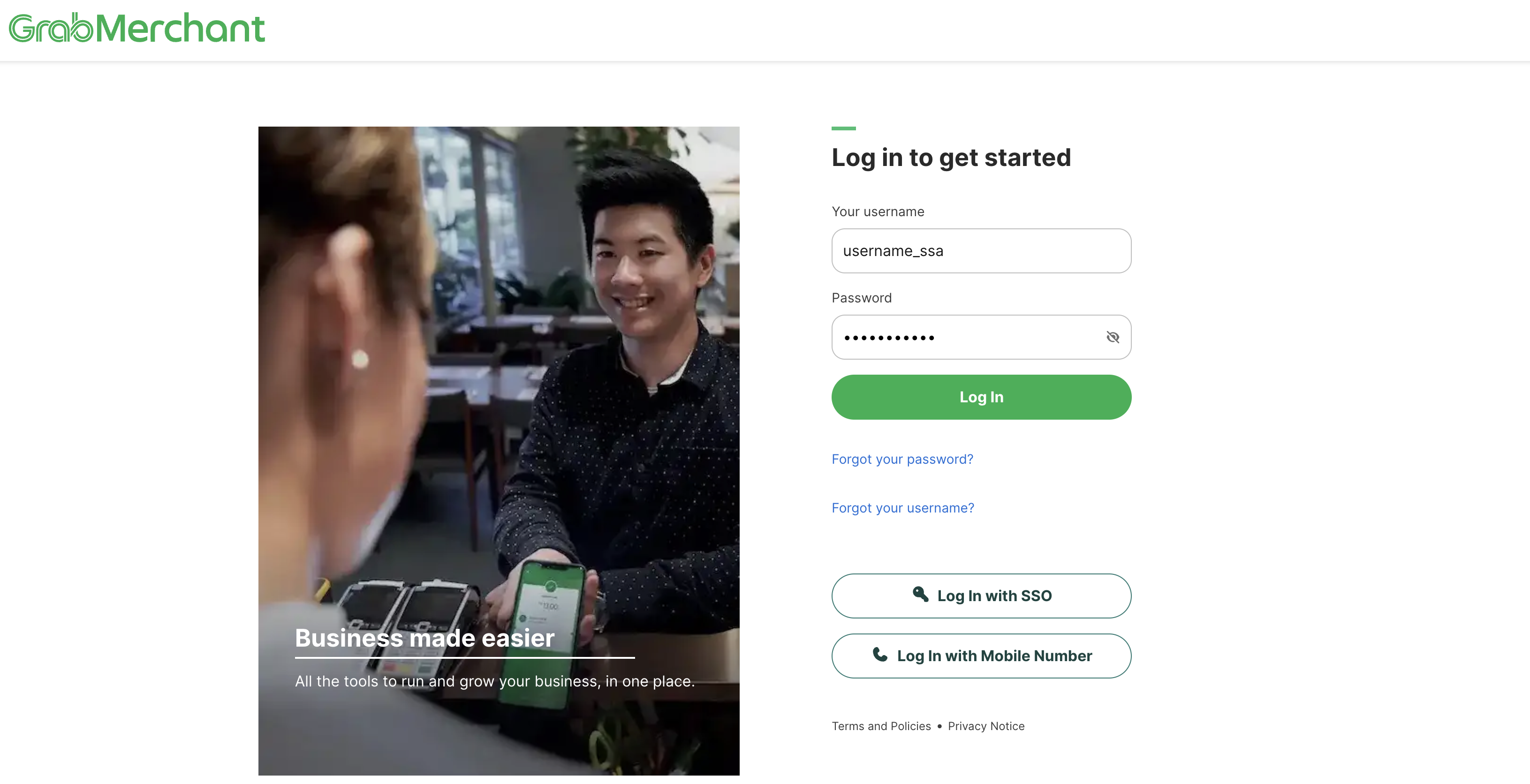
Step 2: The user needs to log in to their Grab Merchant account.
Langkah 2: Pengguna perlu log masuk ke akaun Grab Merchant mereka.
步骤 2: 用户需要登录他们的 Grab Merchant 帐号。
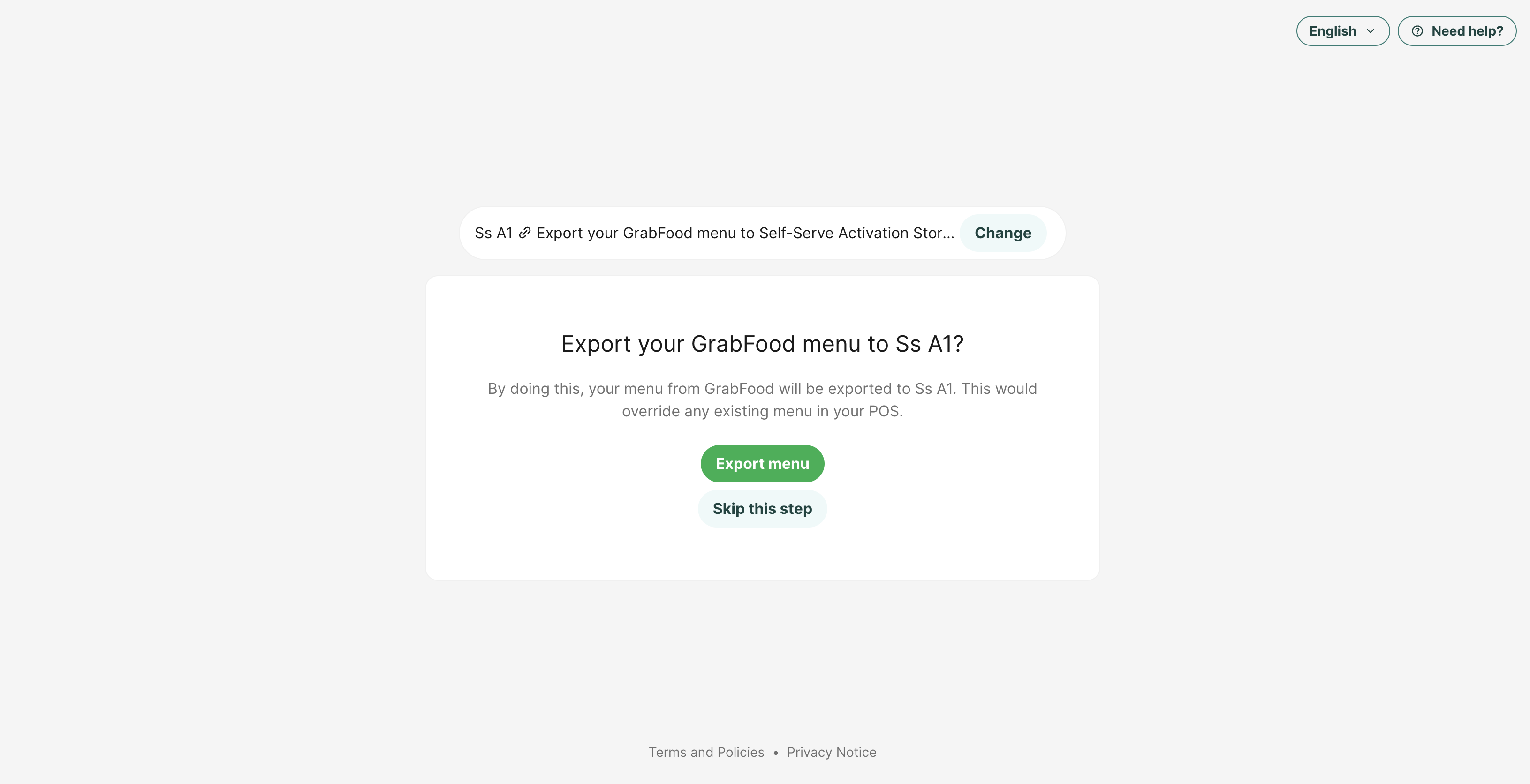
Step 3: After logging in, the user will see the Grab store(s) associated with their account. But you need to click "SKIP THIS STEP"
Langkah 3: Selepas log masuk, pengguna akan melihat kedai Grab yang dikaitkan dengan akaun mereka. Namun, anda perlu klik "SKIP THIS STEP"
步骤 3: 登录后,用户将看到与其账户关联的 Grab 店铺。记得选择"SKIP THIS STEP"
*Then you will see the 'Enable Integration" button
*Seterusnya, anda akan melihat satu butang "Enable Integration"
*接下来你会看见"Enable Integration"的按钮。
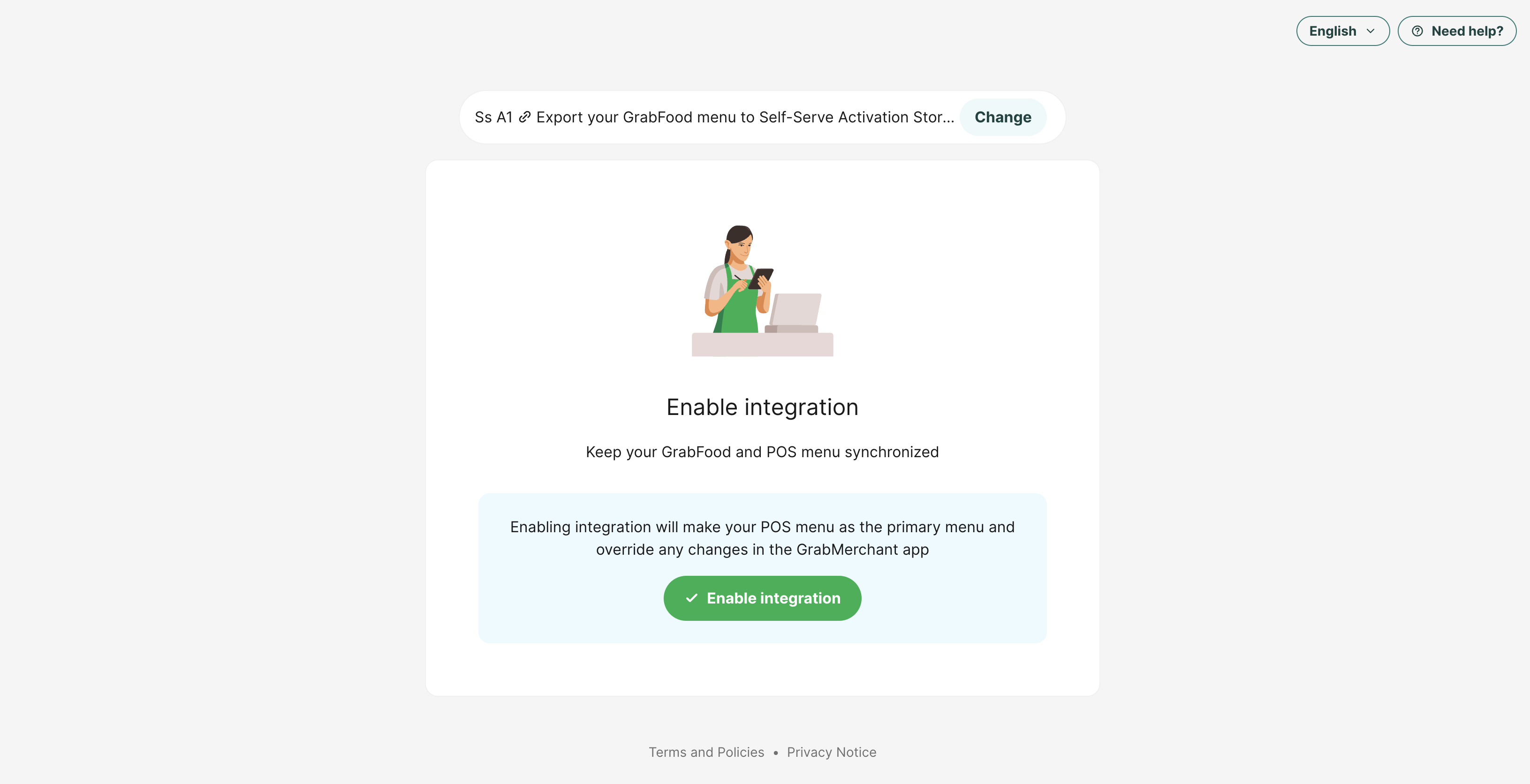
Step 4: The user clicks on the "Enable integration" button.
Langkah 4: Pengguna mengklik butang "Enable Integration".
步骤 4: 用户点击“Enable Integration”按钮。
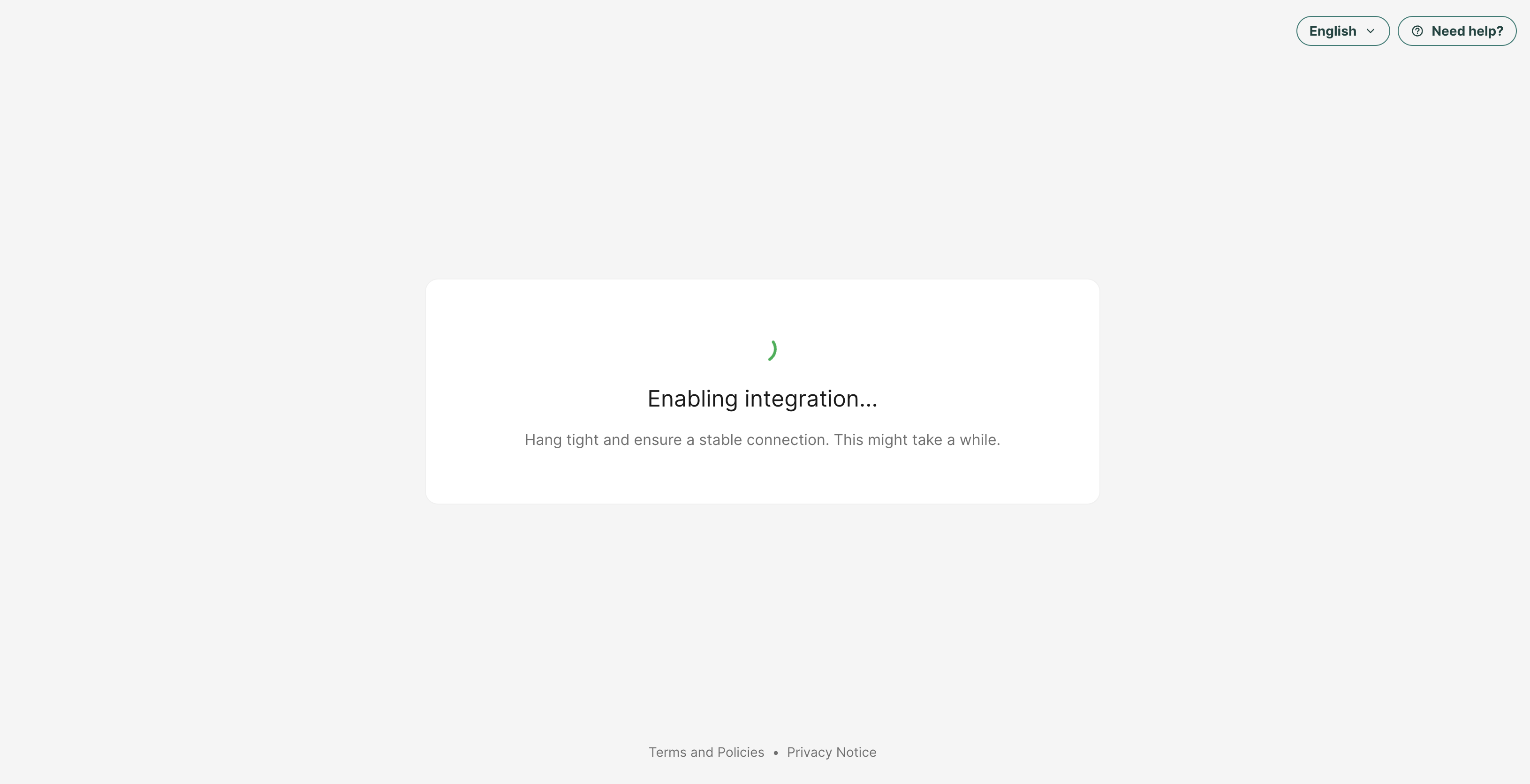
Step 5: The store is now integrating
Langkah 5: Kedai kini sedang dalam proses integrasi.
步骤 5: 店铺正在集成中
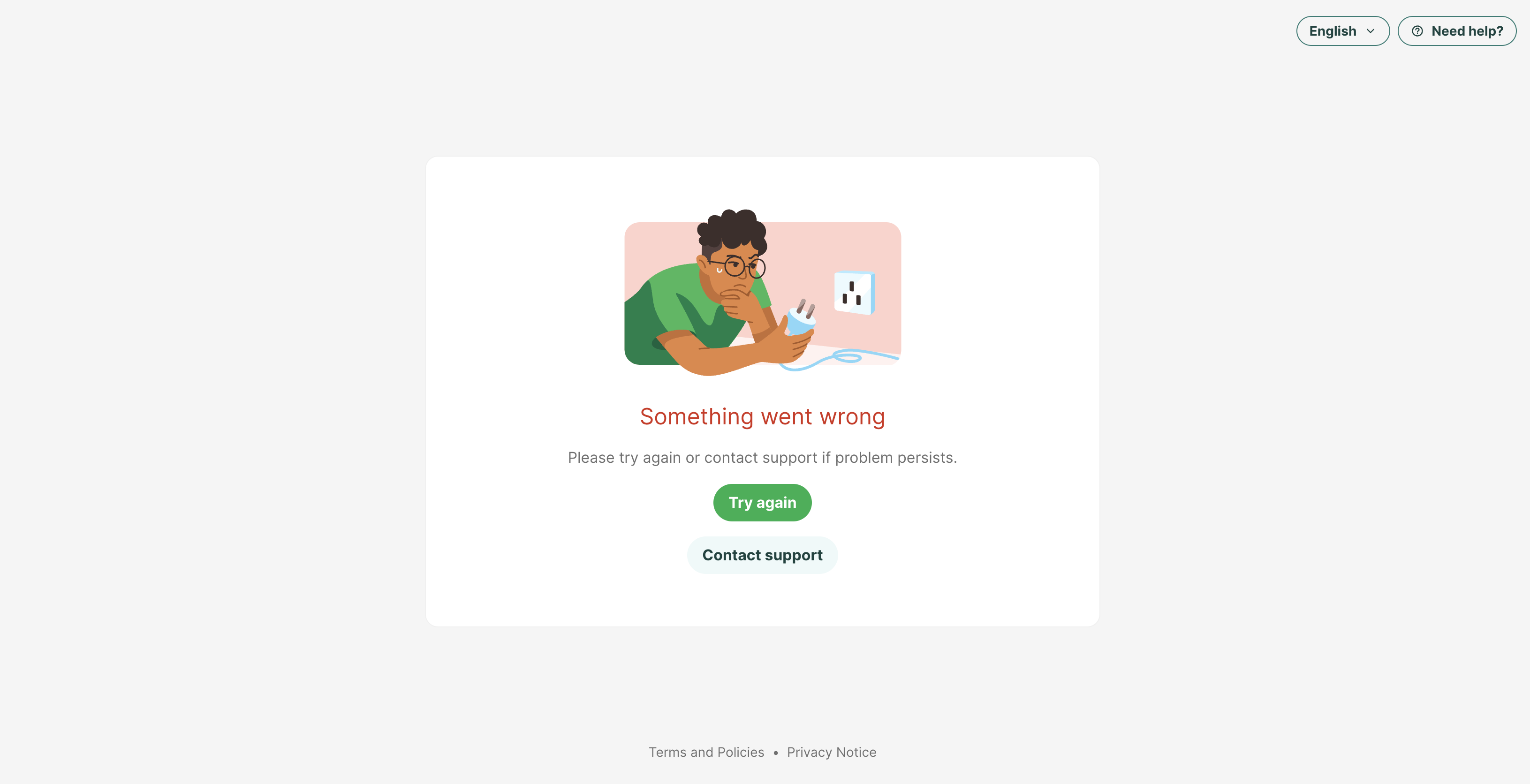
Step 6: If the integration fails, the user will see an error message. The user can choose to try again or reach out to the respective team for further assistance.
Langkah 6: Jika integrasi gagal, pengguna akan melihat mesej ralat. Pengguna boleh memilih untuk cuba lagi atau menghubungi pasukan yang berkenaan untuk bantuan lanjut.
步骤 6: 如果集成失败,用户将看到错误提示。用户可以选择重试,或者联系相关团队以获得进一步的帮助。
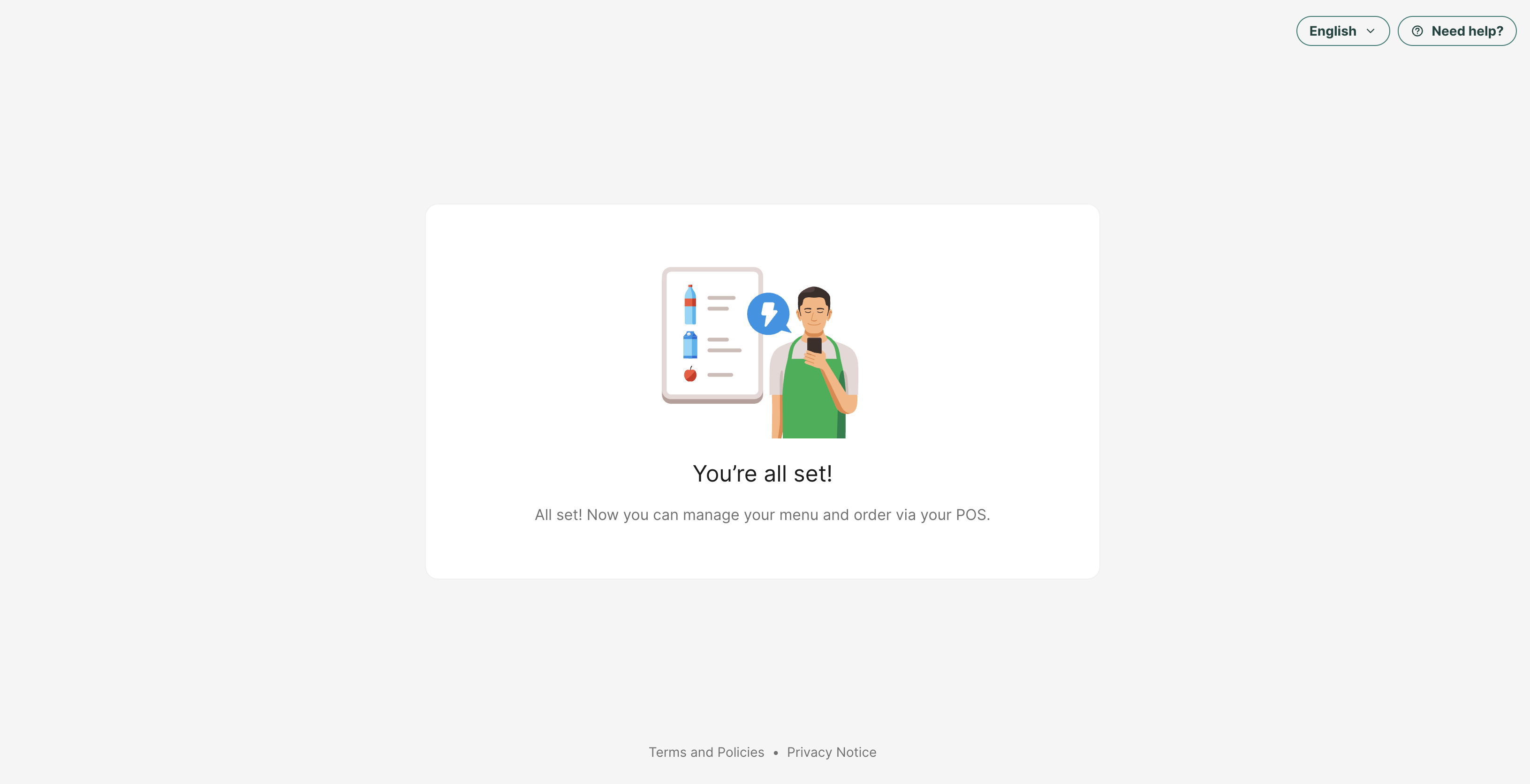
Please refer to the website below for more information:
GrabFood Partner API (POS) Integration Guide | Developer Docs
Still stuck?
Our team is happy to walk you through this step by step.
