How to Set Different Pricing (GrabFood/FoodPanda...)
*for FoodPanda, Grabfood and other delivery platform price
Go to Transaction > Product Library > Product Pricing:
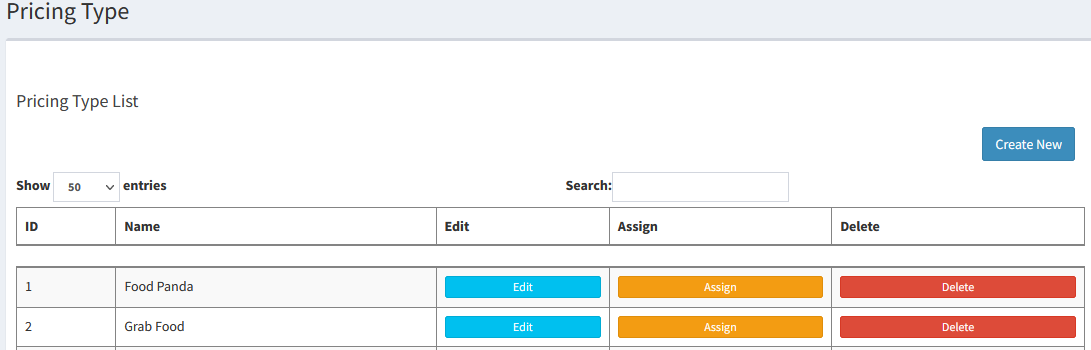
- Create New:
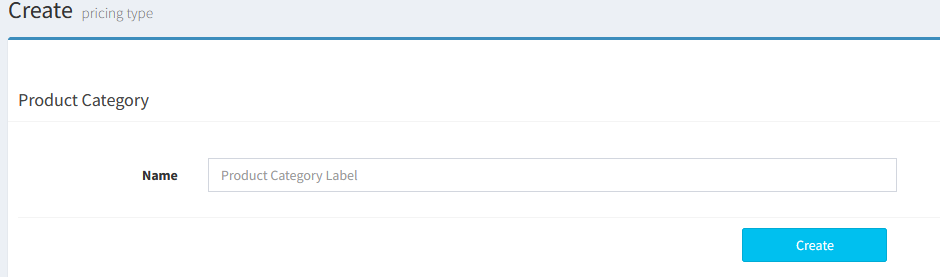
- Key in the Name of Delivery Platform (e.g. FoodPanda, GrabFood, Gala, Hungry and etc…)
----------------------------------------------------------------------------------------------------------------------------------------------------------
Please refer to the video below for more information:
Still stuck?
Our team is happy to walk you through this step by step.
