How to Create Product Modifier
Go to Transaction > Product Library > Product:
- After finish creating new product, scroll down to create modifier
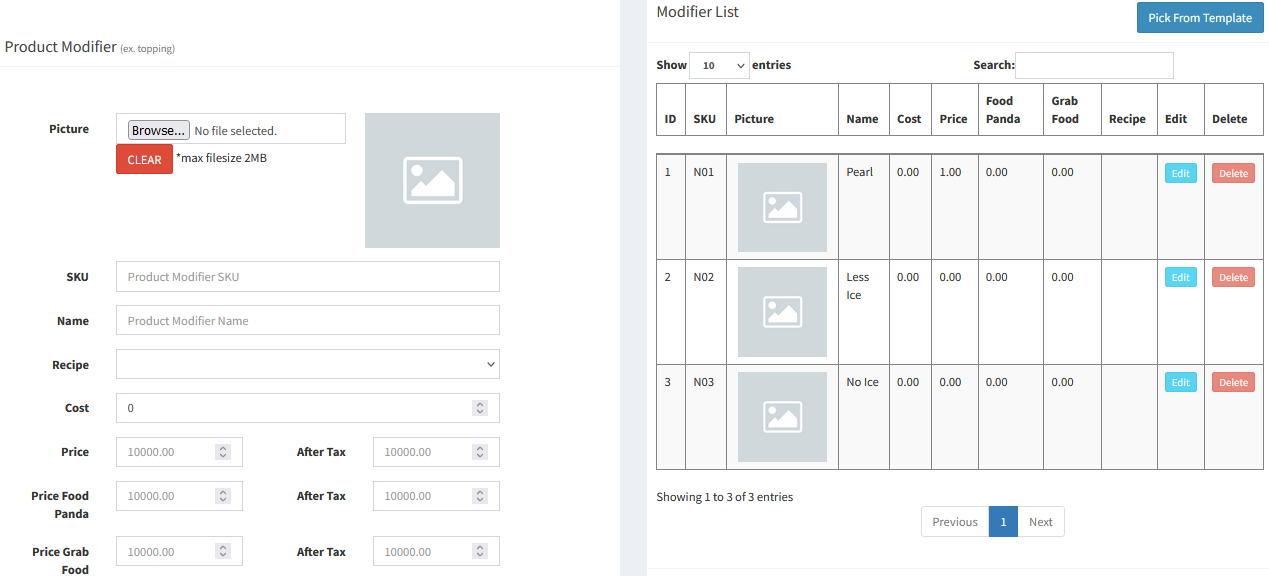
- Product Modifier (e.g. Topping)
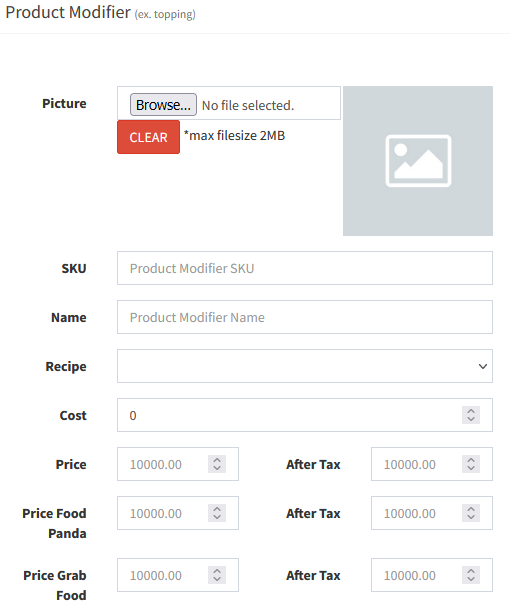
- SKU: Product Modifier Code
- Name: Modifier Name
- Recipe: Select recipe for Inventory Control purpose
- Cost: Modifier's cost price
- Price: Product Modifier Selling Price (put 0 if there is no additional charges)
- Product Modifier List:
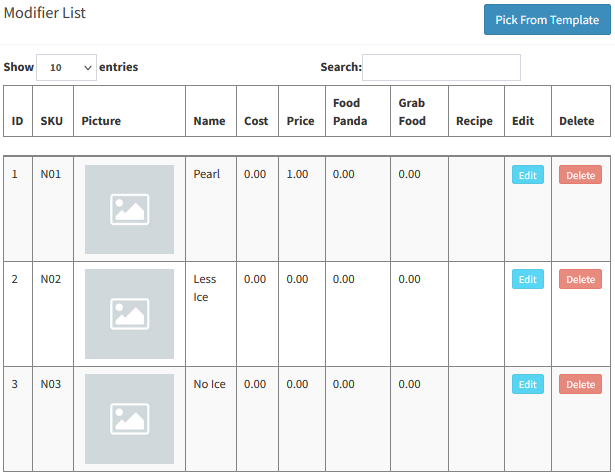
- Can select
 to import the modifier from Modifier Template (Please refer to topic: How to Create Product Modifier Template)
----------------------------------------------------------------------------------------------------------------------------------------------------------
Please refer to the video below for more information:
Still stuck?
Our team is happy to walk you through this step by step.
